How to delete an archived document in PandaDoc
Here is how to delete an archived document in pandadoc
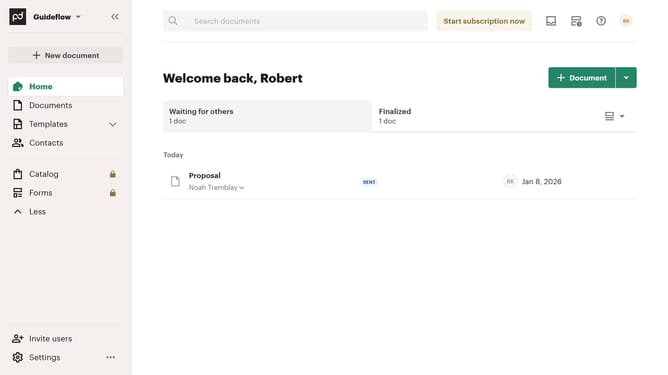
- First click on "Documents" in the left sidebar navigation menu
- Then click on the "Archived" tab in the top navigation bar
- Next click on the three-dot menu button next to the document you want to delete
- Then click on "Restore" option from the dropdown menu
- Finally click on "Delete forever" button in the confirmation dialog
Why should you delete an archived document in PandaDoc
PandaDoc is a comprehensive tool designed to streamline your document workflows effortlessly.
When it comes to document management, being able to delete an archived document in PandaDoc is a valuable feature.
This ensures your storage remains clutter-free and relevant, fostering a more organized workspace.
The process of cleaning up archived documents not only aids in maintaining an efficient workflow but also enhances your focus by prioritizing active documents.
Overall, this feature supports a seamless and more productive document management experience.
Last update