How to filter created documents by declined status in PandaDoc
Here is how to filter created documents by declined status in pandadoc
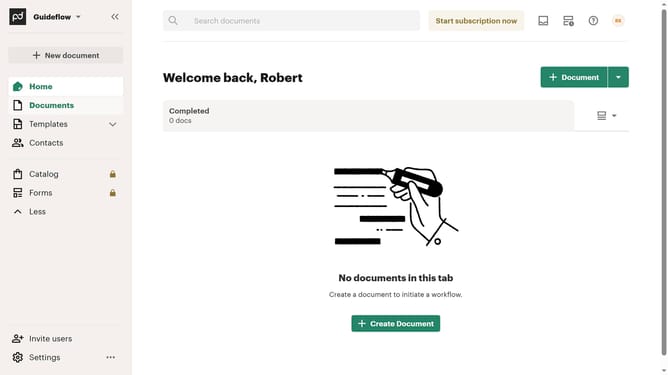
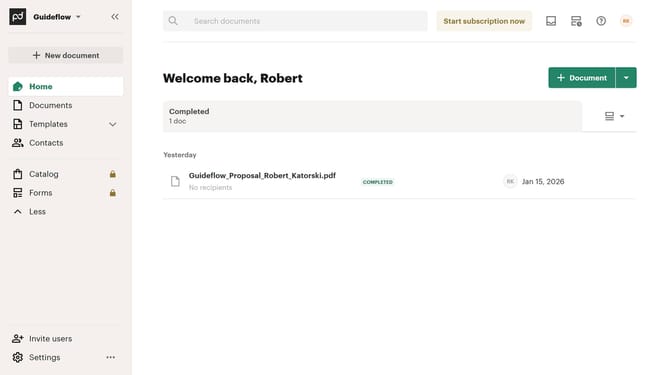
- First click on the "Documents" item in the left sidebar
- Then click on the "Created by me" tab in the top navigation menu
- Next click on the "Status" dropdown filter button
- Then scroll down in the status filter dropdown menu to view more options
- Next click on the checkbox next to "Declined" status option
- Finally click on "Apply" button to confirm the selected status filters
Why should you filter created documents by declined status in PandaDoc
PandaDoc is an innovative platform designed to streamline the creation, sharing, and management of digital documents.
One of its powerful features is the ability to filter created documents by their declined status.
This feature helps users quickly identify documents that require attention due to client rejection, enabling timely follow-ups.
By efficiently organizing and highlighting declined documents, teams can maintain clear communication and optimize their workflow, ensuring nothing falls through the cracks.
Last update