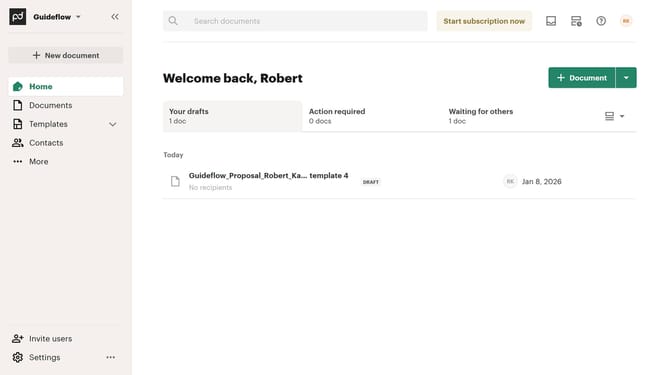
How to remove the suggested edits status filter from all documents in PandaDoc
Here is how to remove the suggested edits status filter from all documents in pandadoc
- First click on "Documents" in the left sidebar navigation menu
- Then click on "All documents" tab in the top navigation bar
- Next click on "Status" dropdown filter in the column headers
- Then uncheck the "Suggest edits" checkbox from the status filter options
- Finally click on "Apply" button at the bottom of the filter dialog
Why should you remove the suggested edits status filter from all documents in PandaDoc
PandaDoc is a dynamic document automation software designed to streamline your paperwork processes.
One of its features allows you to remove the suggested edits status filter from all documents, offering flexibility and precision in document management.
This capability is essential for maintaining document clarity and ensuring smooth workflow transitions, eliminating unnecessary distractions caused by excessive edit suggestions.
Ultimately, it simplifies document handling, saving you time and enhancing productivity across your team.
Last update