How to remove the for approval status filter from created documents in PandaDoc
Here is how to remove the for approval status filter from created documents in pandadoc
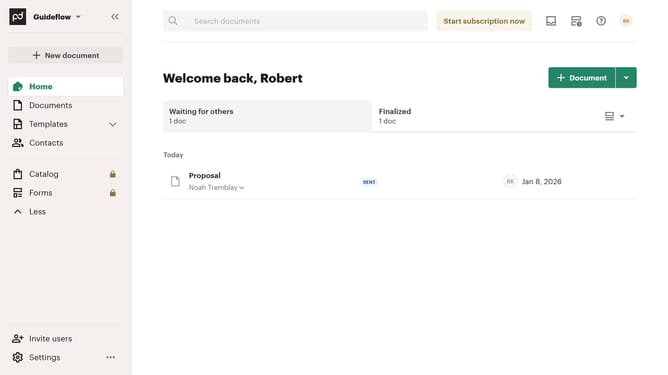
- First click on "Documents" in the left sidebar navigation menu
- Then click on "Created by me" tab in the top navigation bar
- Next click on "Status" dropdown filter button in the filter toolbar
- Then uncheck the "For approval" checkbox option from the status filter dropdown menu
- Finally click on "Apply" button to confirm the selected status filters
Why should you remove the for approval status filter from created documents in PandaDoc
PandaDoc streamlines the document creation and management process for businesses.
The ability to remove the 'for approval' status filter allows users to seamlessly navigate through created documents without unnecessary restrictions.
This feature provides flexibility and enhances efficiency by ensuring you're not halted by approval processes unless absolutely necessary.
With this freedom, workflow efficiency increases, enabling quicker decision-making and streamlined document handling.
Last update