How to disable autofill with signing date in PandaDoc
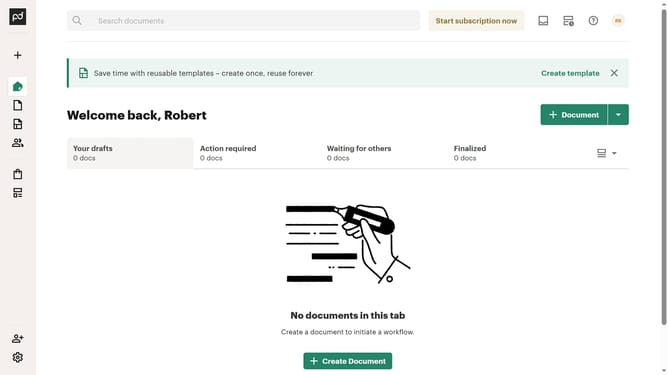
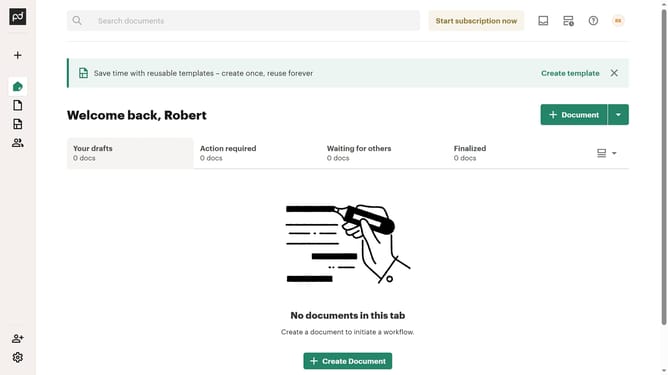
Here is how to disable autofill with signing date in pandadoc
- First click the profile button in the top right corner of the header
- Then click on "Account settings" option in the dropdown menu
- Next click on "Document settings" option in the left sidebar under the "CURRENT WORKSPACE" section
- Then click on "Document setup" tab in the right panel navigation menu
- Next click on the "Autofill with signing date" checkbox to enable it
- Finally click on the "Save changes" button in the top right corner of the page
Why should you disable autofill with signing date in PandaDoc
PandaDoc is a versatile platform designed to streamline document creation and management processes.
One valuable feature allows users to disable the autofill function for signing dates. While this may seem minor, controlling this setting provides greater customization in document handling.
Disabling autofill ensures that signing dates can be added manually when needed, leading to increased accuracy and flexibility. This is particularly beneficial for users who require precise control over documentation timelines, catering to unique project requirements or regulatory standards.
Last update