How to filter imported documents by suggested edits status in PandaDoc
Here is how to filter imported documents by suggested edits status in pandadoc
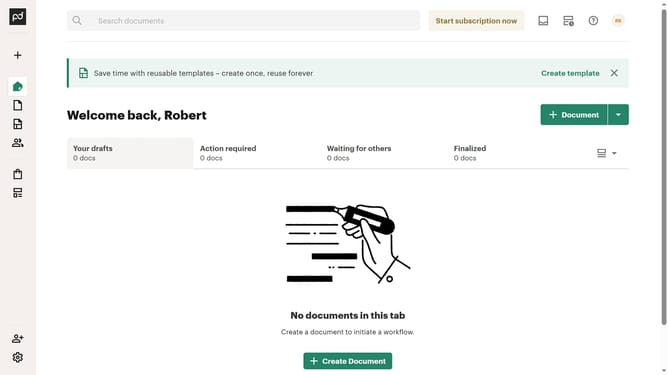
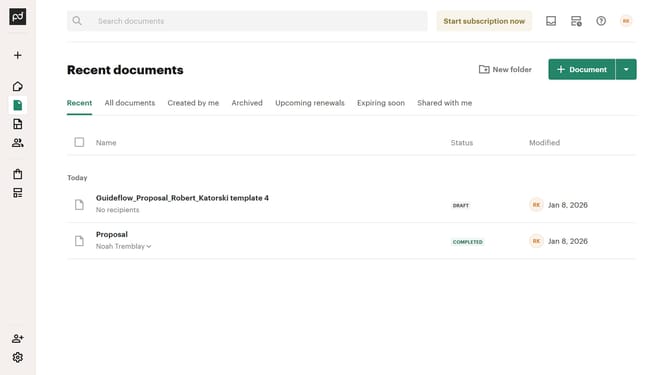
- First click on the "Documents" item in the left sidebar navigation menu
- Then click on the "Imported" tab in the top navigation bar
- Next click on the "Status" dropdown filter button in the filter bar
- Then click on the "Suggest edits" checkbox option in the status filter dropdown menu
- Finally click on the "Apply" button to apply the selected status filter
Why should you filter imported documents by suggested edits status in PandaDoc
PandaDoc is a dynamic document automation platform designed to streamline your workflow with ease.
The feature to filter imported documents by suggested edits status in PandaDoc allows users to effortlessly identify and manage documents that require attention.
This streamlined process saves time, enhances productivity, and ensures critical edits don't go unnoticed, making document handling more efficient and organized.
By focusing on what's important, you maintain clarity and ensure high-quality document management with minimal effort.
Last update