How to filter documents by recipient in PandaDoc
Here is how to filter documents by recipient in pandadoc
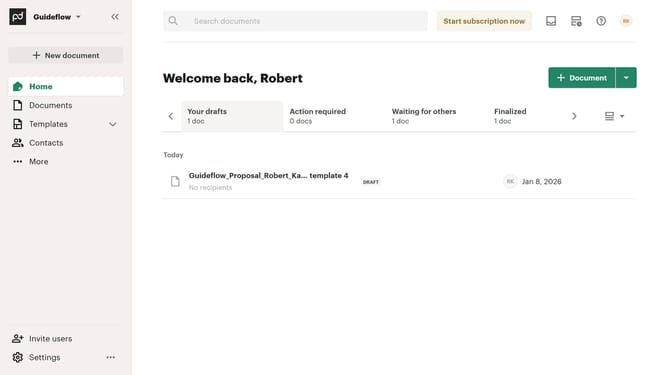
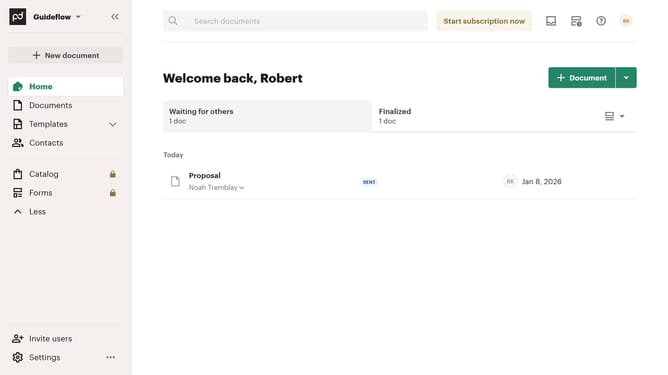
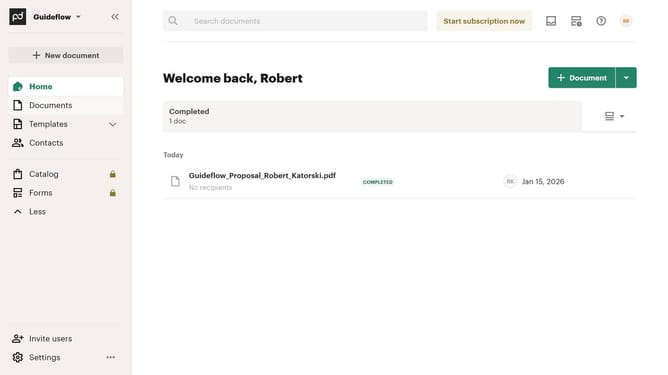
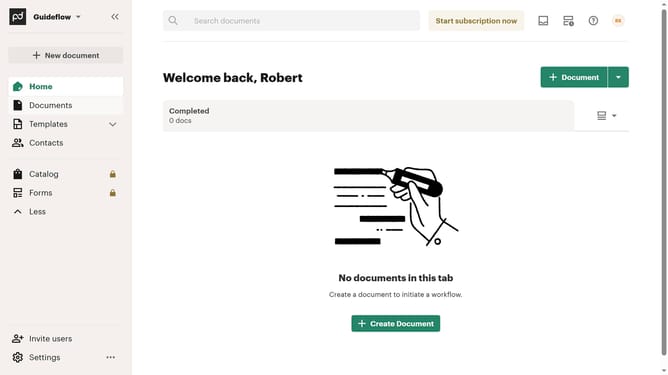
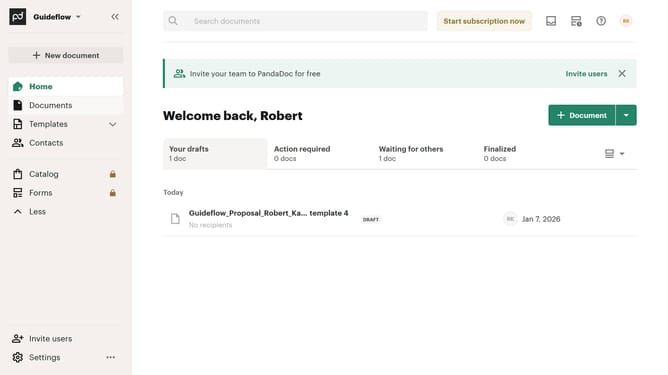
- First click on the "Documents" item in the left sidebar navigation menu
- Then click on the "All documents" tab in the top navigation bar
- Next click on the "Recipients" column header dropdown in the documents table
- Then select a recipient from the dropdown menu
- Finally click on the "Apply" button to confirm the filter selection
Why should you filter documents by recipient in PandaDoc
PandaDoc is a dynamic platform designed to streamline document management and digital transactions.
One outstanding feature is the ability to filter documents by recipient, which significantly enhances organization and efficiency.
By using this feature, users can swiftly locate specific documents assigned to particular recipients, saving time and minimizing the chance of errors.
It simplifies workflows and focuses on the recipient's needs, providing a smooth and hassle-free document management experience.
Last update