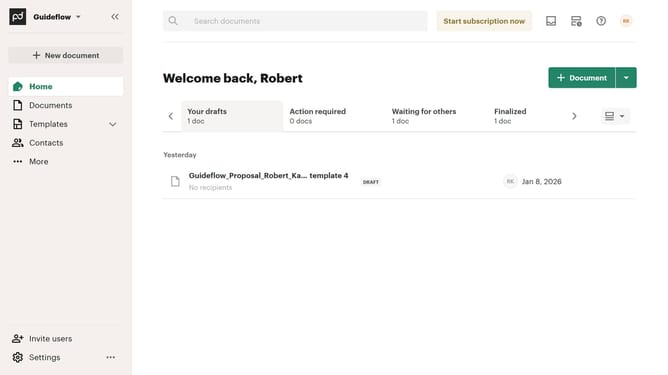
How to remove the waiting for payment status filter from imported documents in PandaDoc
Here is how to remove the waiting for payment status filter from imported documents in pandadoc
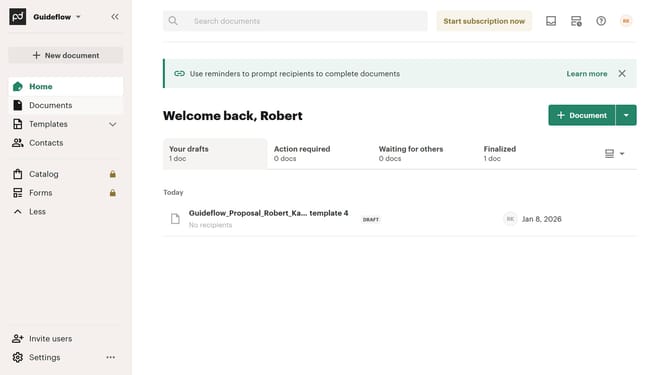
- First click on the "Documents" item in the left sidebar navigation menu
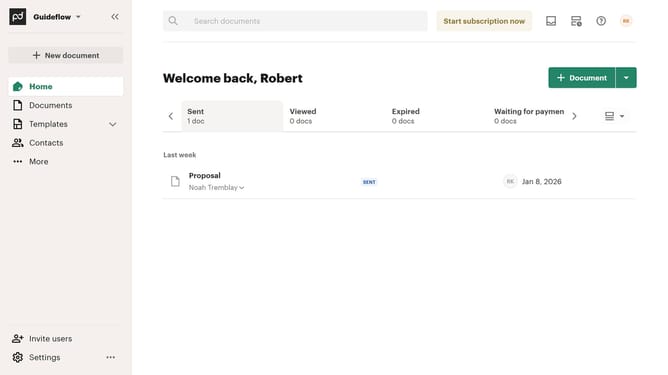
- Then click on the "Imported" tab in the top navigation bar
- Then click on the dropdown filter button
- Then scroll down to view more options
- Then uncheck the "Waiting for payment" checkbox
- Finally click on the "Apply" button to confirm the changes
Why should you remove the waiting for payment status filter from imported documents in PandaDoc
PandaDoc is a versatile platform designed to streamline document workflow and simplify digital transactions.
When handling imported documents, removing the "waiting for payment" status filter in PandaDoc can significantly enhance the efficiency of your workflow. This feature ensures that your documents don't get unnecessarily stalled by irrelevant status, allowing for smoother, halting-free operations.
By eliminating this status filter, you gain immediate visibility into other important document stages, focus on timely actions, and maintain greater control over your document management.
Last update