How to filter archived documents by owner in PandaDoc
Here is how to filter archived documents by owner in pandadoc
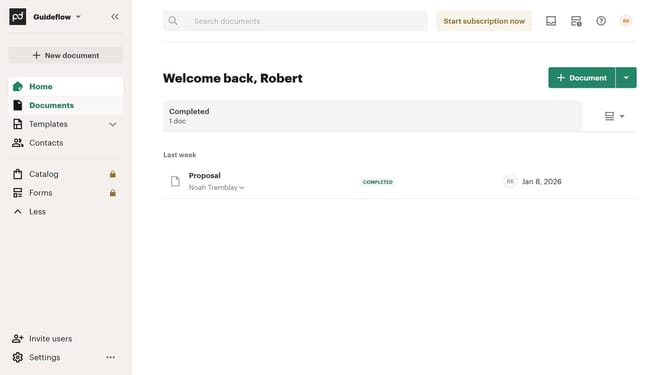
- First click on "Documents" in the left sidebar navigation menu
- Then click on the "Archived" tab in the top navigation bar
- Next click on the "Owner" dropdown filter button in the filter toolbar
- Then select the checkbox next to the owner you want to filter in the dropdown menu
- Finally click on the "Apply" button to confirm the filter selection
Why should you filter archived documents by owner in PandaDoc
PandaDoc streamlines document creation and management for businesses, ensuring seamless workflow integration.
One valuable feature is the ability to filter archived documents by owner. This allows users to quickly identify and access files associated with specific team members, enabling focused document management.
By using this feature, teams can effortlessly maintain organized archives and improve efficiency, ultimately enhancing collaboration within the organization.
Such targeted filtering ensures that information retrieval is both time-saving and strategic, benefiting overall productivity.
Last update