How to filter archived documents by declined status in PandaDoc
Here is how to filter archived documents by declined status in pandadoc
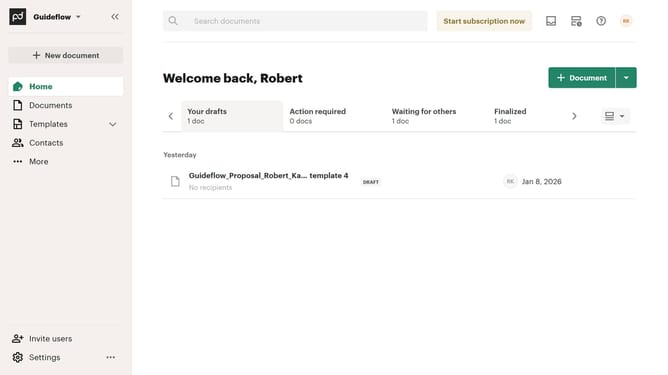
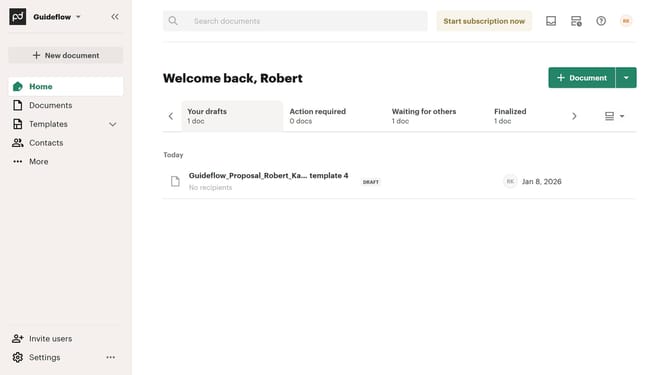
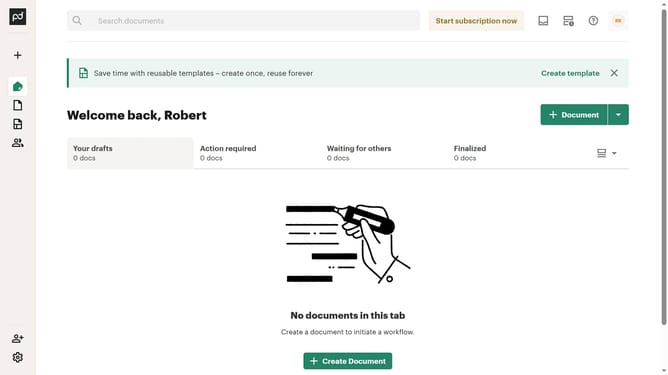
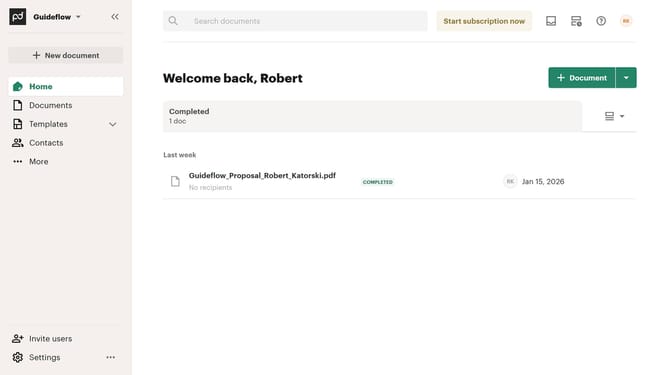
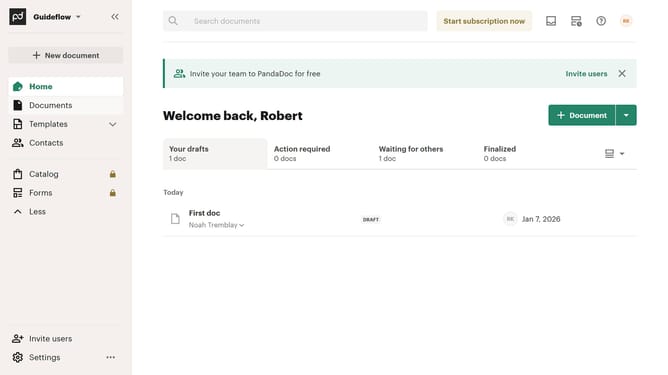
- First click on "Documents" in the left sidebar navigation menu
- Then click on "Archived" tab in the top navigation bar
- Next click on "Status" dropdown filter button in the filter toolbar
- Then scroll down through the status filter options in the dropdown menu
- Next click on the checkbox next to "Declined" status option
- Finally click on "Apply" button to confirm the filter selection
Why should you filter archived documents by declined status in PandaDoc
PandaDoc is a dynamic document automation platform designed to simplify digital document workflows.
With its intuitive feature to filter archived documents by declined status, users can effortlessly streamline their document management tasks. This functionality ensures that users can quickly access, review, and analyze documents that were not accepted, enabling more informed decision-making.
By filtering documents by their declined status, PandaDoc users save time and maintain better organization within their document repository, enhancing overall productivity and communication effectiveness.
Last update