How to hide the waiting for payment tab in PandaDoc
Here is how to hide the waiting for payment tab in pandadoc
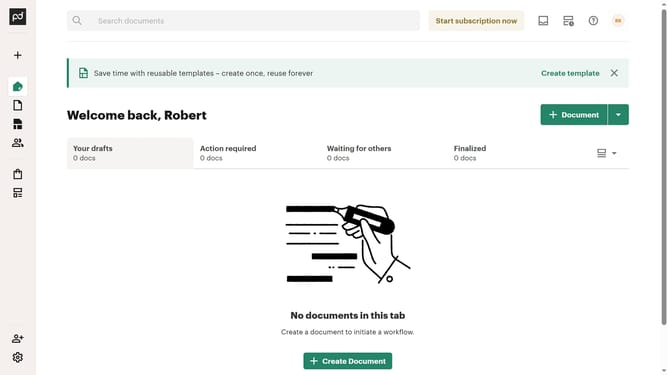
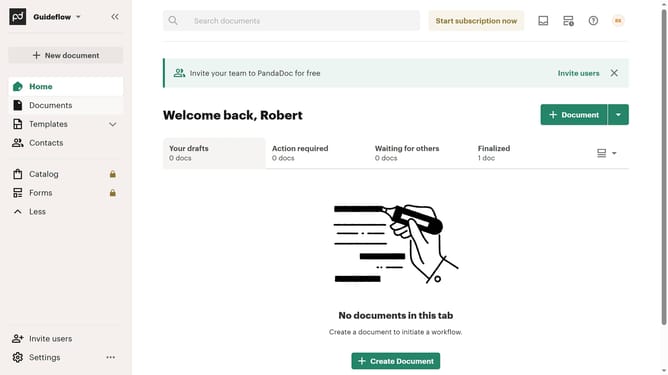
- First click on the view options dropdown menu button in the top right area of the main content section
- Then click on the "Customize tabs" option from the dropdown menu
- Next scroll down in the "Customize" modal dialog to view more tab options
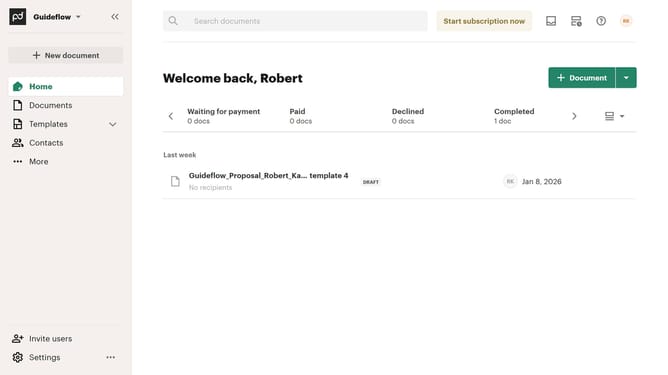
- Then click on the "Waiting for payment" checkbox to deselect it in the tabs list
- Finally click on the "Apply" button at the bottom right of the modal dialog to save the changes
Why should you hide the waiting for payment tab in PandaDoc
PandaDoc is a robust document automation platform that streamlines the creation, management, and signing of digital documents.
The "Waiting for Payment" tab in PandaDoc serves as a helpful feature by tracking documents pending payment, but not everyone may need this reminder constantly visible.
Hiding this tab can declutter your interface, providing a more streamlined workspace catered to your current priorities.
This option allows users to focus on other tasks and documents, optimizing efficiency and reducing unnecessary distractions.
Last update