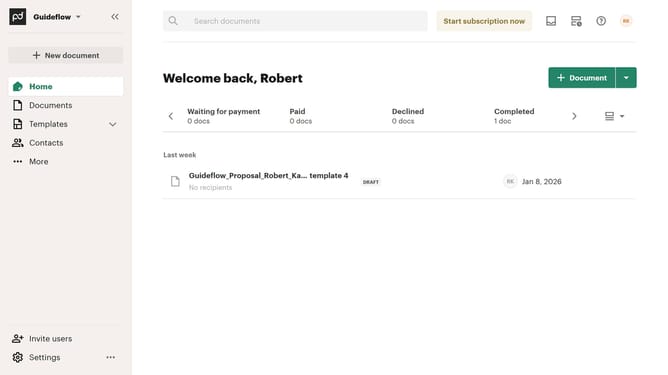
How to remove the paid status filter from created documents in PandaDoc
Here is how to remove the paid status filter from created documents in pandadoc
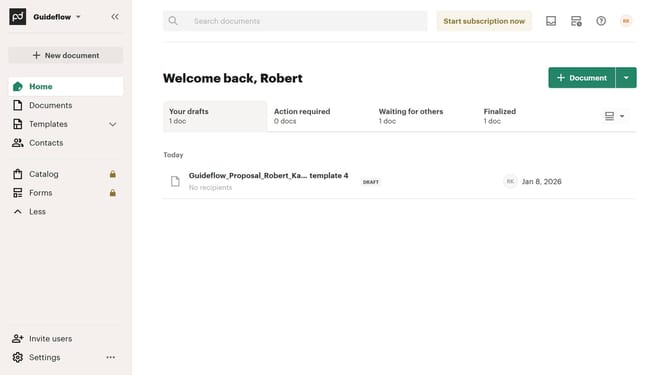
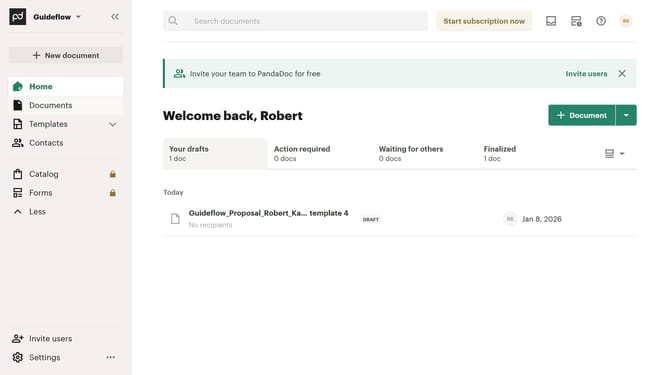
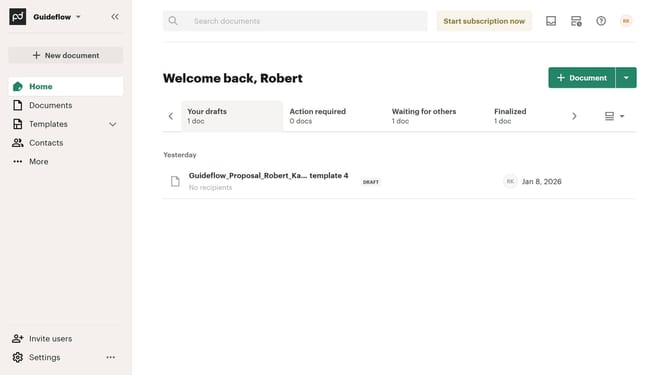
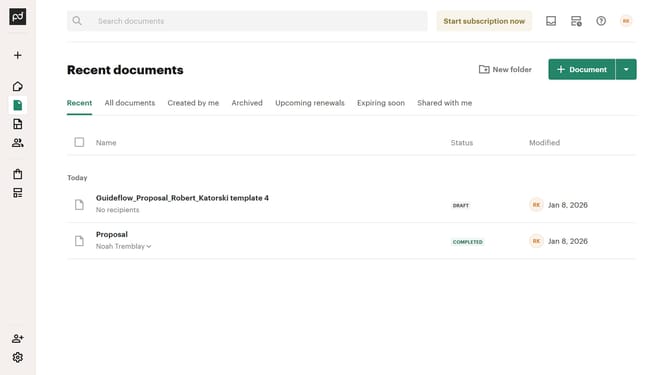
- First click on "Documents" in the left sidebar navigation menu
- Then click on "Created by me" tab in the documents filter tabs
- Then click on "Status" dropdown filter in the filter toolbar
- Then scroll down in the menu that appears
- Then uncheck the "Paid" checkbox option from the status filter dropdown menu
- Finally click on "Apply" button to confirm the selected status filters
Why should you remove the paid status filter from created documents in PandaDoc
PandaDoc is a comprehensive platform designed to simplify the document workflow process.
Removing the paid status filter from created documents in PandaDoc allows users to gain clearer insights into their document statuses without financial bias.
This feature enhances document management by ensuring that every document, irrespective of its payment status, is easily accessible.
By removing this filter, users can focus on content and progress, fostering more effective communication and collaboration.
Last update