How to hide the drafts tab in PandaDoc
Here is how to hide the drafts tab in pandadoc
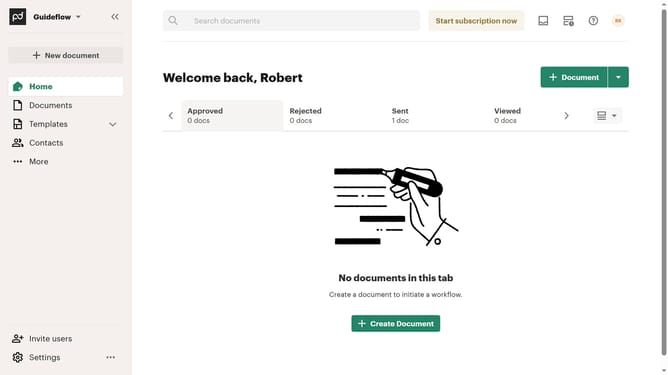
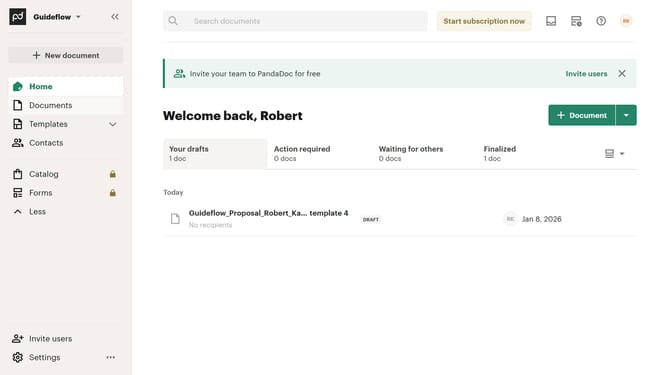
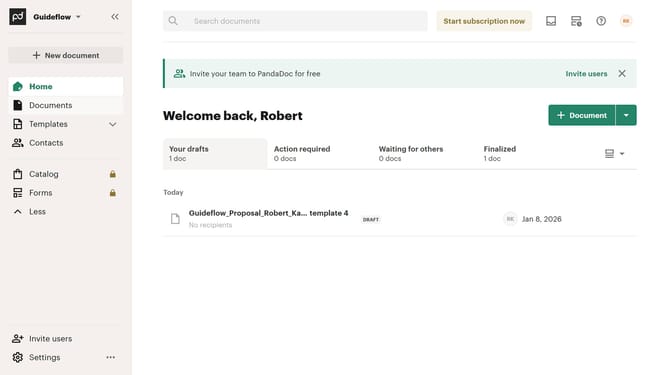
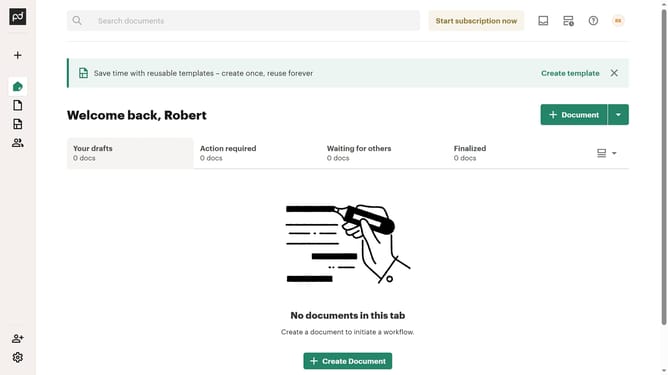
- First click on the "Customize tabs" button in the top right corner of the main content area
- Then click on the "Customize tabs" option from the dropdown menu that appears
- Next uncheck the "Drafts" checkbox in the Customize dialog under the TABS section
- Finally click on the "Apply" button at the bottom right of the Customize dialog
Why should you hide the drafts tab in PandaDoc
PandaDoc streamlines the creation and management of digital documents for businesses.
Among its many features, PandaDoc allows users to hide the drafts tab, offering a neat and organized interface.
This feature is particularly beneficial for reducing clutter, ensuring users remain focused on final documents and active projects.
By keeping drafts out of sight, teams can enhance productivity and maintain a streamlined workflow, which supports quicker decision-making and improved efficiency.
Last update