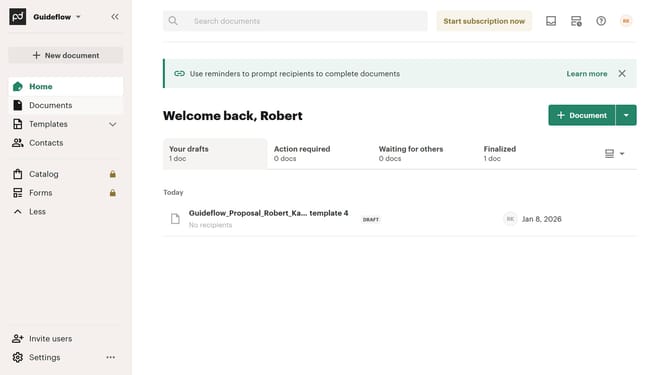
How to remove the draft status filter from all documents in PandaDoc
Here is how to remove the draft status filter from all documents in pandadoc
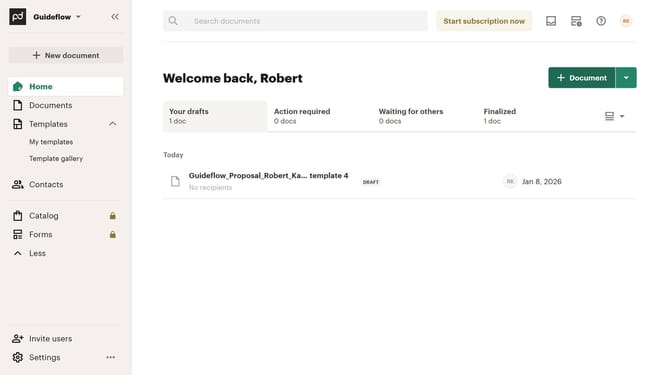
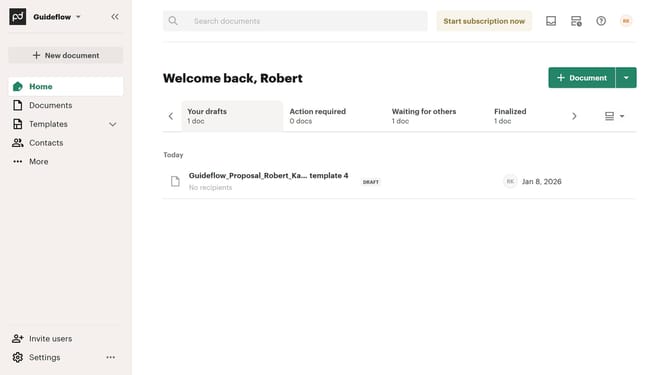
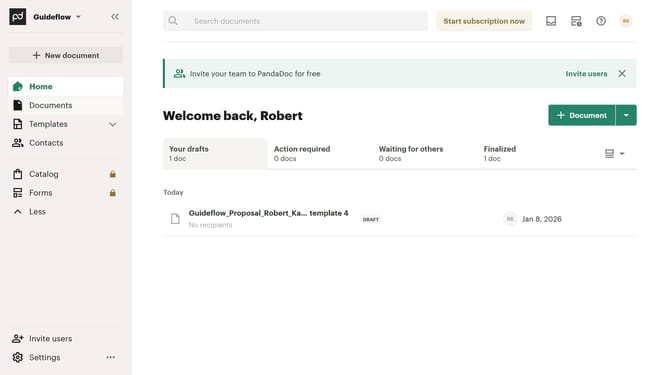
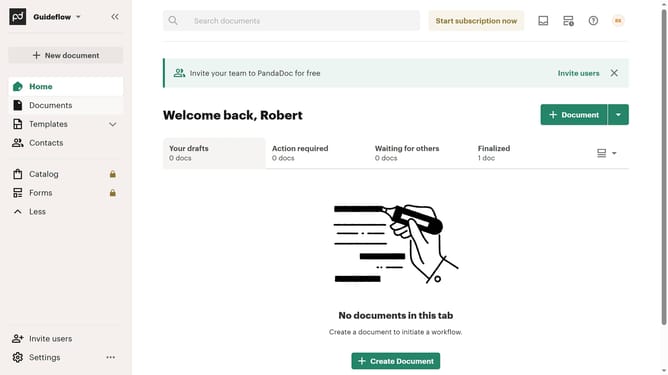
- First click on "Documents" in the left sidebar navigation menu
- Then click on "All documents" tab in the top navigation bar
- Next click on "Status" dropdown filter in the filter toolbar
- Then uncheck the "Draft" checkbox option in the status filter dropdown menu
- Finally click on "Apply" button to confirm the filter selection
Why should you remove the draft status filter from all documents in PandaDoc
PandaDoc is a versatile document management tool designed to streamline workflow and enhance productivity.
Among its many features is the ability to manage document filters, including the draft status filter. Removing this filter can help users see all relevant documents in one place, providing a larger overview of ongoing and completed tasks.
This feature is particularly beneficial because it enables efficient organization and quick access, ensuring no critical document is overlooked, thereby boosting productivity and clarity.
Last update