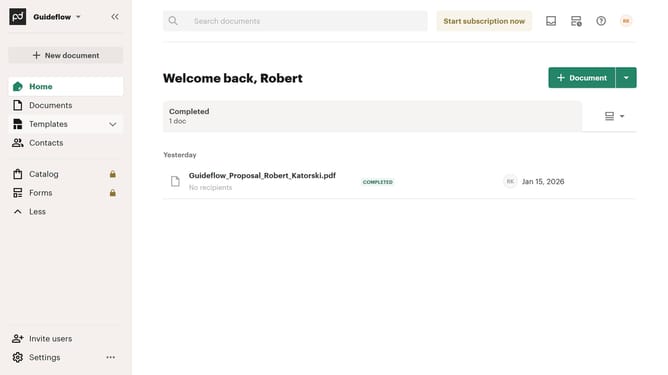
How to stop receiving notifications for sent documents in PandaDoc
Here is how to stop receiving notifications for sent documents in pandadoc
- First click on the profile button in the top right corner of the header
- Then click on "Notifications" option in the account dropdown menu
- Finally click on the "Any messages or notifications for documents sent by me" checkbox in the notifications settings
Why should you stop receiving notifications for sent documents in PandaDoc
PandaDoc streamlines the document workflow process, making it easier to create, send, and manage digital documents.
The feature that allows you to stop receiving notifications for sent documents is designed to enhance your user experience by reducing distractions.
By leveraging this feature, you can prioritize your tasks more effectively without unnecessary interruptions, ensuring that your inbox remains focused and organized.
This leads to increased productivity and a more serene working environment, allowing you to concentrate on what truly matters.
Last update