How to rename a template folder in PandaDoc
Here is how to rename a template folder in pandadoc
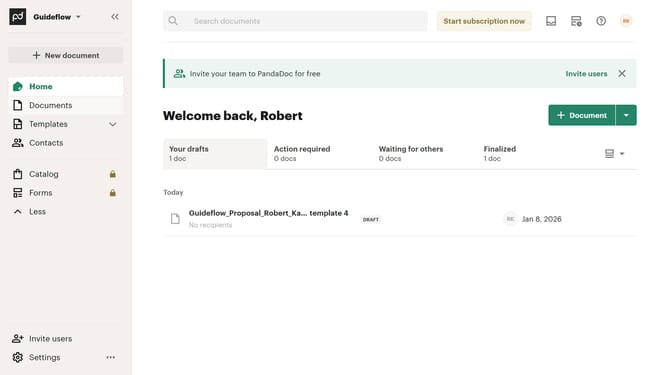
- First click on the dropdown arrow next to "Templates" in the left sidebar to expand the Templates section
- Then click on "My templates" option in the expanded Templates submenu in the left sidebar
- Next click on the three-dot menu button next to a folder that you want to rename
- Then click on "Rename" option from the dropdown menu that appears
- In the rename dialog box, clear the existing text and type in your preferred name for the folder
- Finally click on the "Save" button to confirm the folder rename
Why should you rename a template folder in PandaDoc
PandaDoc is a seamless solution for creating, managing, and e-signing documents.
Renaming a template folder in PandaDoc enhances your organization by helping you maintain a clear and structured document management system.
This feature allows you to categorize documents with precision, reducing search time and boosting productivity.
By renaming folders, you adapt to evolving project needs, ensuring that your resources are always organized and accessible.
Last update