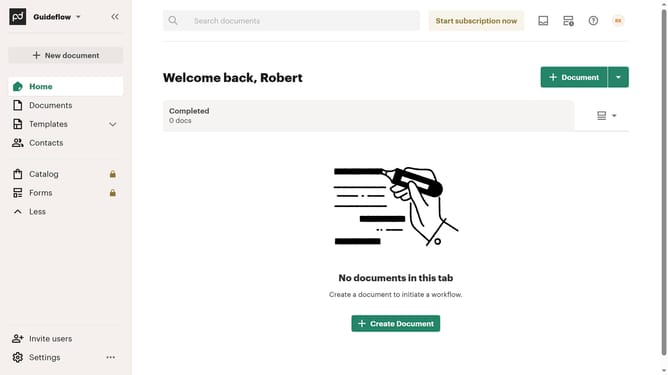
How to filter imported documents by sent status in PandaDoc
Here is how to filter imported documents by sent status in pandadoc
- First click on "Documents" in the left sidebar navigation menu
- Then click on the "Imported" tab in the top navigation bar
- Next click on the "Status" dropdown filter button
- Then select the "Sent" checkbox option from the status filter dropdown menu
- Finally click on the "Apply" button to confirm the filter selection
Why should you filter imported documents by sent status in PandaDoc
PandaDoc is a leading document management platform designed to streamline your document workflow.
One of its dynamic features allows you to filter imported documents by sent status. This feature is especially handy for tracking which documents have been dispatched, reducing the hassle of manual tracking.
Filtering by sent status not only enhances organization but also boosts efficiency by providing a clear view of your document flow.
Ultimately, this feature empowers you to manage your documents more effectively, saving time and increasing productivity.
Last update