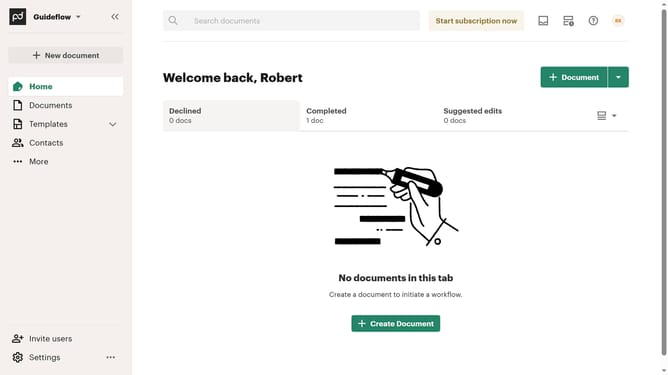
How to show the suggested edits tab in PandaDoc
Here is how to show the suggested edits tab in pandadoc
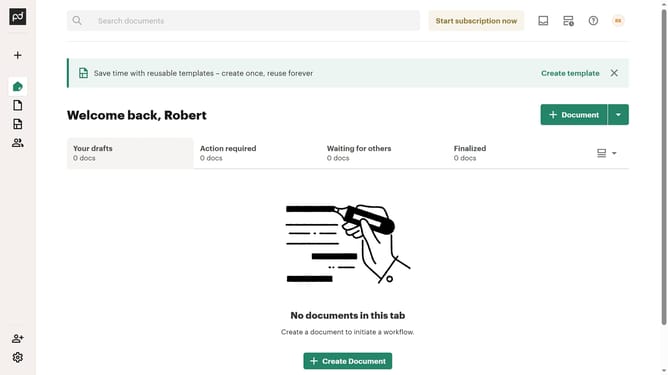
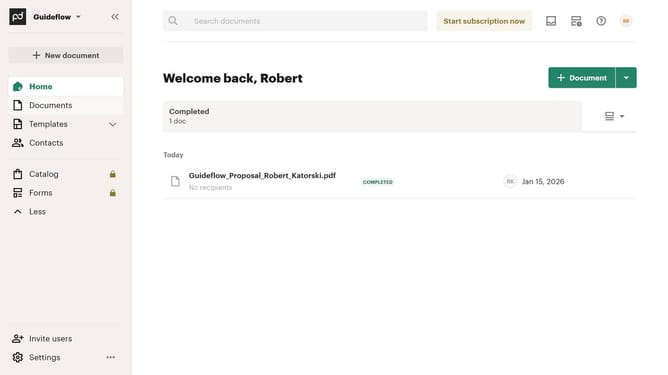
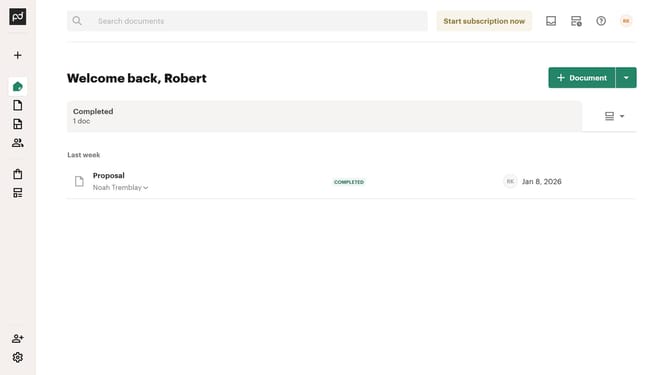
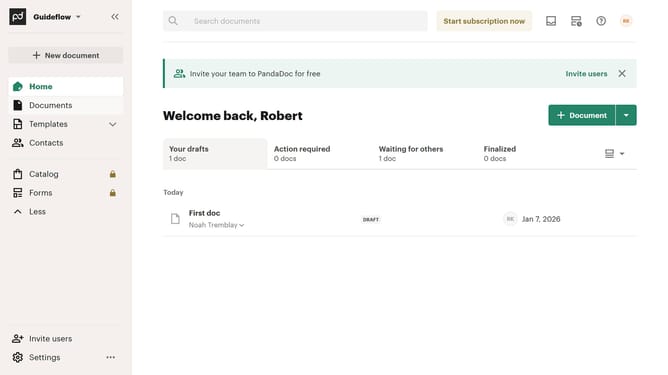
- First click on the view options dropdown button in the top right corner of the main content area
- Then click on the "Customize tabs" option from the dropdown menu
- Next scroll down in the customize dialog to view additional tab options
- Then click on the "Suggested edits" checkbox to enable this tab option
- Finally click on the "Apply" button to save the customization changes
Why should you show the suggested edits tab in PandaDoc
PandaDoc is a dynamic platform designed to streamline document creation and management for businesses.
The suggested edits tab in PandaDoc is a feature that enables users to easily review and incorporate feedback on documents.
Using this feature ensures that every team member's input is considered, promoting collaborative and error-free document creation.
It accelerates workflow by making the revision process transparent and straightforward, ultimately leading to more efficient document finalization.
Last update