How to hide the to approve tab in PandaDoc
Here is how to hide the to approve tab in pandadoc
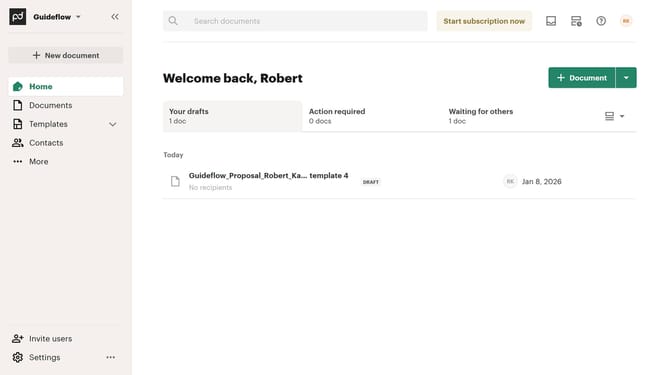
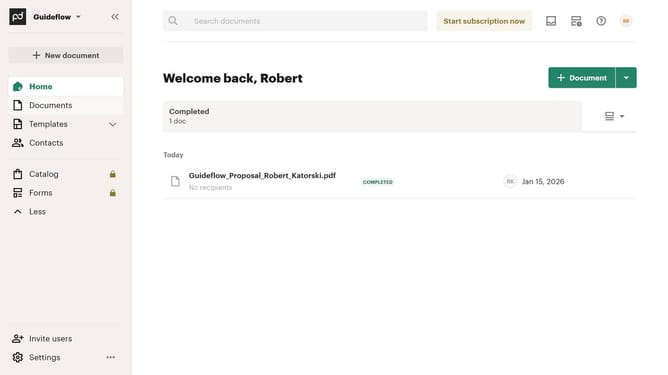
- First click on the dropdown menu button in the top right corner of the documents section to open the view options
- Then click on "Customize tabs" option from the dropdown menu
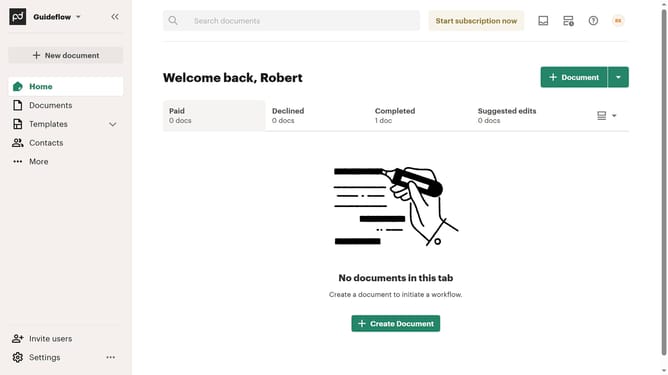
- Next uncheck the "To approve" checkbox in the Customize dialog to remove this tab from the view
- Finally click on the "Apply" button to save the customization changes
Why should you hide the to approve tab in PandaDoc
PandaDoc is a comprehensive digital document solution designed to simplify your workflow with intuitive tools.
The ability to hide the "to approve" tab in PandaDoc is a subtle yet powerful feature. It offers users the flexibility to streamline their workspace by reducing clutter.
This feature is especially beneficial for those managing numerous documents, as it helps maintain focus on the most urgent tasks. By decluttering your interface, you enhance productivity and minimize potential distractions.
Ultimately, this feature provides a more tailored and efficient user experience, optimizing document management to meet individual needs.
Last update