How to get notified when a document is opened for the first time in PandaDoc
Here is how to get notified when a document is opened for the first time in pandadoc
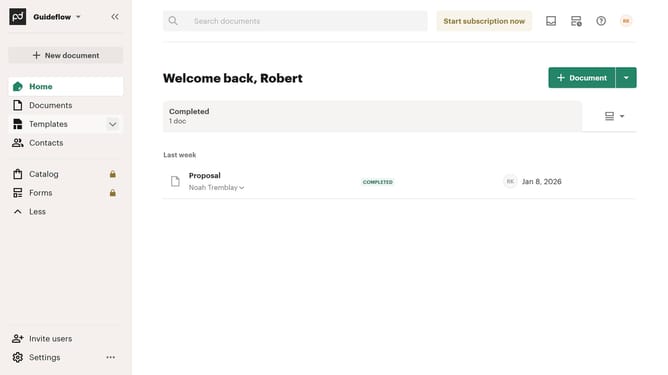
- First click on your profile button in the top right corner of the header
- Then click on "Notifications" option in the account dropdown menu
- Finally click on the "Document is opened by a recipient for the first time" checkbox in the notifications settings
Why should you get notified when a document is opened for the first time in PandaDoc
PandaDoc is an innovative platform designed to streamline the document workflow process.
One of its standout features is the ability to get notified when a document is opened for the first time, helping users track engagement effortlessly.
This feature is particularly beneficial for those seeking to prioritize follow-ups, ensuring that they are aware of a recipient's interest in real-time.
By using this notification feature, users can improve their response strategies and bolster client relationships through timely interactions.
Last update