How to hide the expired tab in PandaDoc
Here is how to hide the expired tab in pandadoc
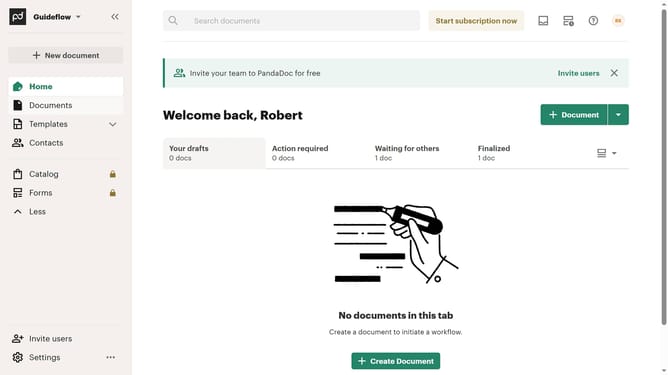
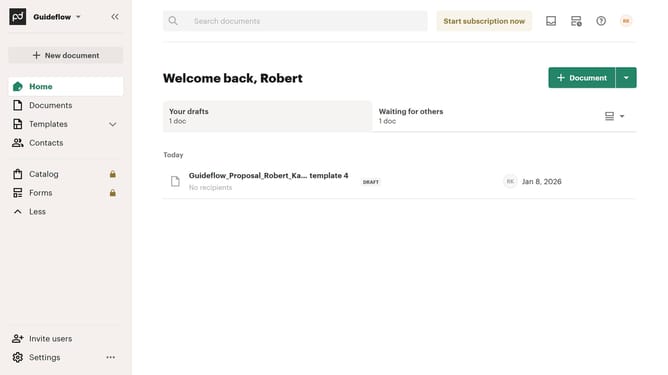
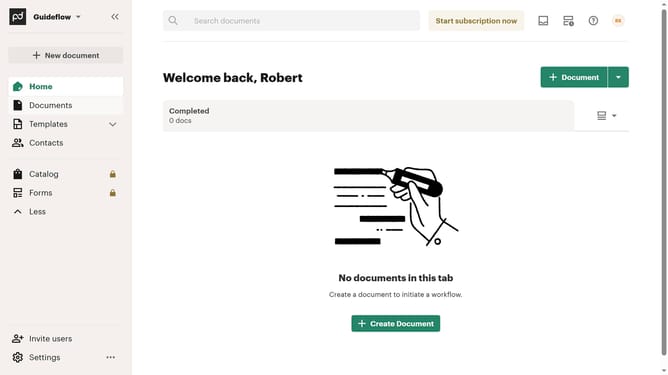
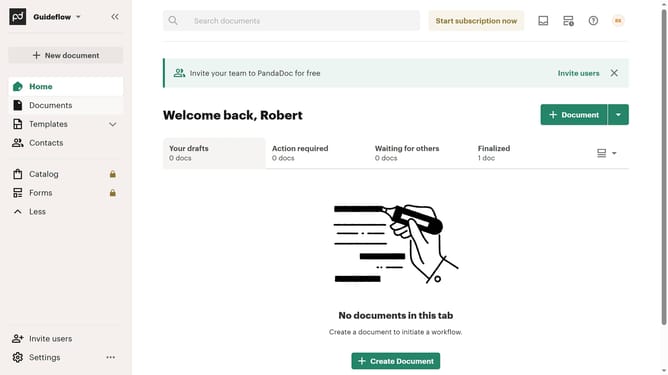
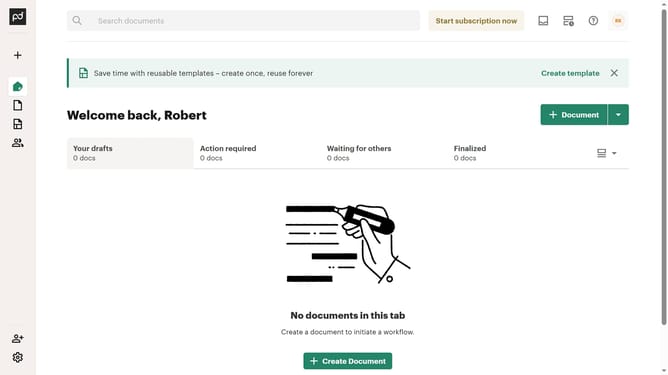
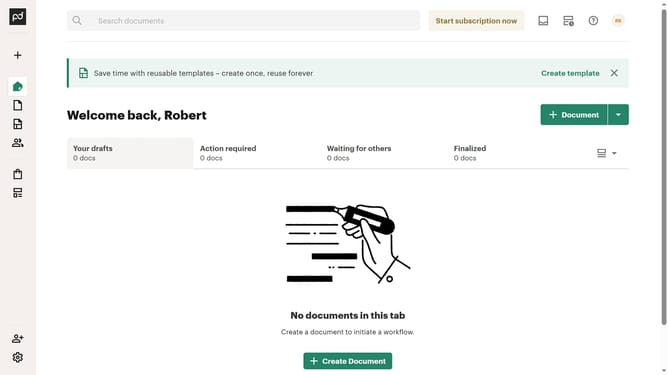
- First click on the view options dropdown button in the top right corner of the main content area
- Then click on the "Customize tabs" option from the dropdown menu that appears
- Next scroll down in the "Customize" modal dialog to view more tab options
- Then click on the "Expired" checkbox to deselect it from the visible tabs
- Finally click on the "Apply" button at the bottom right of the modal dialog to save the changes
Why should you hide the expired tab in PandaDoc
PandaDoc is a versatile document management platform designed to streamline your workflow and enhance productivity.
One of its useful features is the ability to hide the expired tab, which helps maintain a clutter-free workspace.
By hiding expired tabs, users can focus on current documents, reducing distractions and improving efficiency. This feature ensures a cleaner interface, making it easier to find and manage active projects.
Overall, managing document visibility in PandaDoc ensures a seamless experience by keeping your dashboard organized and focused.
Last update