How to show the actions required tab in PandaDoc
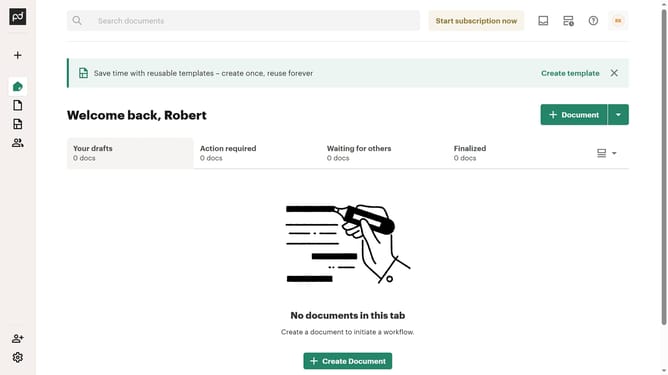
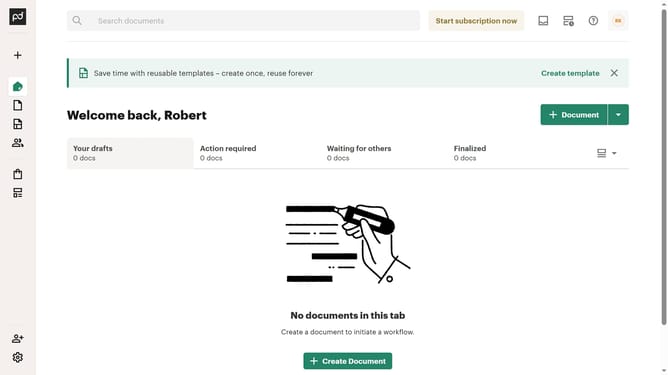
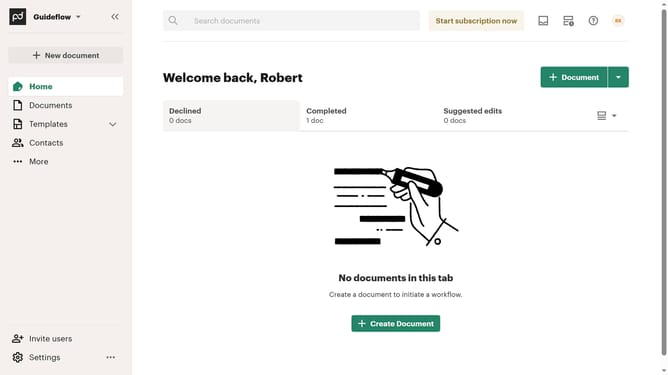
Here is how to show the actions required tab in pandadoc
- First click on the view options dropdown button in the top right corner of the documents section
- Then click on "Customize tabs" option from the dropdown menu
- Then click on the "Actions required" checkbox in the Customize dialog under the TABS section
- Finally click on the "Apply" button at the bottom right of the Customize dialog
Why should you show the actions required tab in PandaDoc
PandaDoc is a dynamic platform designed to streamline document workflow and e-signature processes.
The "Actions Required" tab in PandaDoc is a powerful feature that centralizes all your pending tasks in one convenient location. This functionality ensures you never miss a crucial step by highlighting outstanding actions such as signatures or approvals needed.
By utilizing the "Actions Required" tab, you can proactively manage your documents, significantly increasing efficiency and productivity. It is an essential tool for maintaining momentum and ensuring seamless collaboration.
Last update