How to filter all documents by suggested edits status in PandaDoc
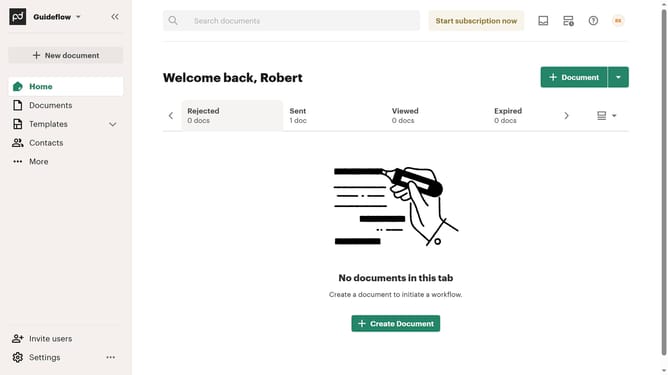
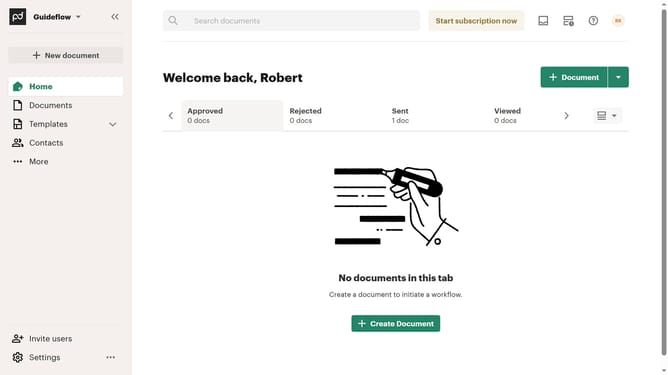
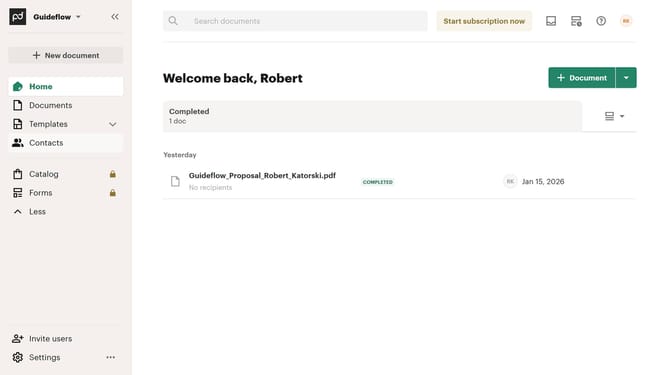
Here is how to filter all documents by suggested edits status in pandadoc
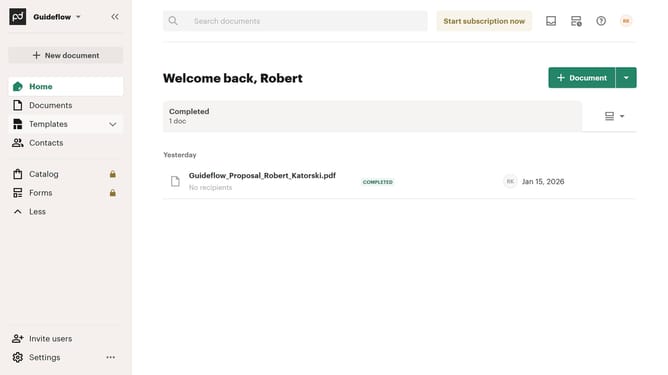
- First click on "Documents" in the left sidebar navigation menu
- Then click on "All documents" tab in the top navigation bar
- Next click on "Status" dropdown filter in the filter bar
- Then select "Suggest edits" checkbox option from the status filter dropdown menu
- Finally click on "Apply" button to confirm the filter selection
Why should you filter all documents by suggested edits status in PandaDoc
PandaDoc is a leading document automation software designed to elevate your business workflows effortlessly.
One of its standout features is the ability to filter documents by suggested edits status. This functionality allows users to quickly identify documents that require attention, ensuring no important modifications are overlooked.
By using this feature, teams streamline their review process, maintain consistency, and enhance collaborative efforts, leading to increased productivity and more polished final documents.
Last update