How to remove the suggested edits status filter from imported documents in PandaDoc
Here is how to remove the suggested edits status filter from imported documents in pandadoc
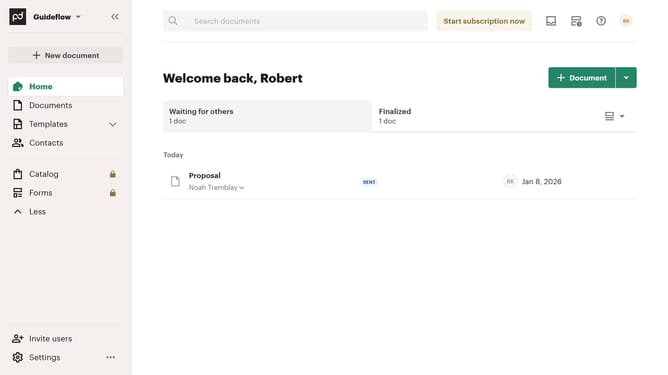
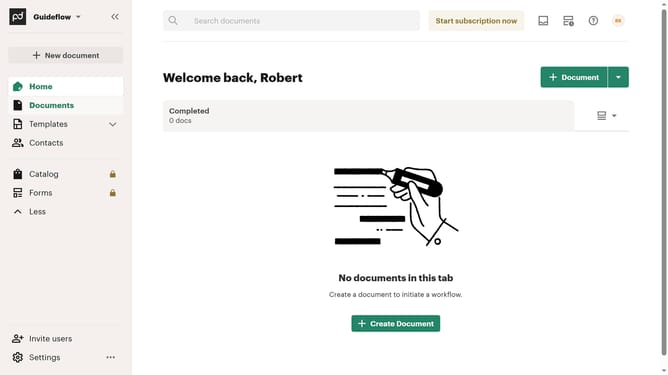
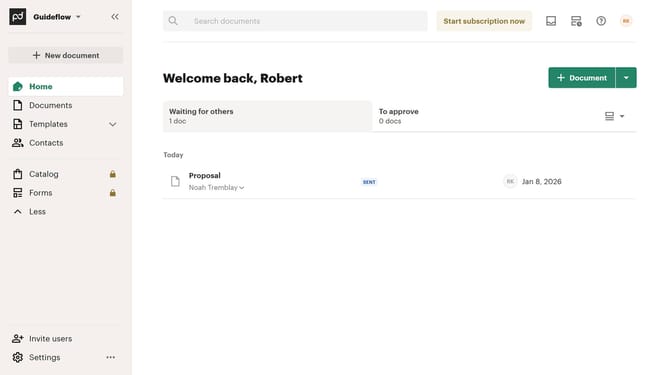
- First click on "Documents" in the left sidebar navigation menu
- Then click on the "Imported" tab in the top navigation bar
- Next click on the dropdown filter button
- Then uncheck the "Suggest edits" checkbox option from the dropdown menu
- Finally click on the "Apply" button to confirm the filter selection
Why should you remove the suggested edits status filter from imported documents in PandaDoc
PandaDoc transforms document workflows by streamlining the digital documentation process effortlessly.
Removing the suggested edits status filter from imported documents in PandaDoc enhances your ability to manage documents with precision. It clarifies the document's status, facilitating smoother teamwork by eliminating unnecessary notifications.
This feature allows teams to focus solely on finalized content, ensuring that they’re all aligned and productive without distractions from previous edit suggestions.
Ultimately, this enhances clarity and promotes a more efficient document handling experience.
Last update