How to remove the sent status filter from all documents in PandaDoc
Here is how to remove the sent status filter from all documents in pandadoc
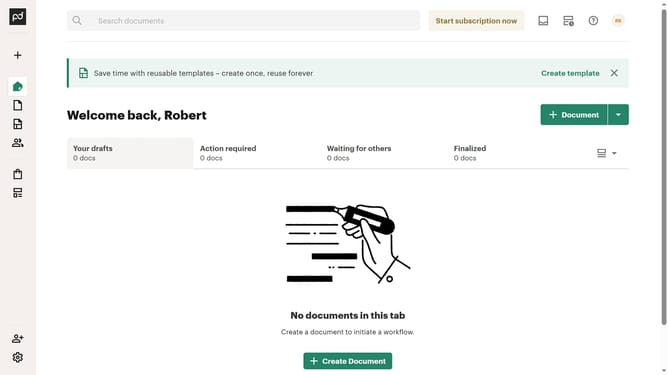
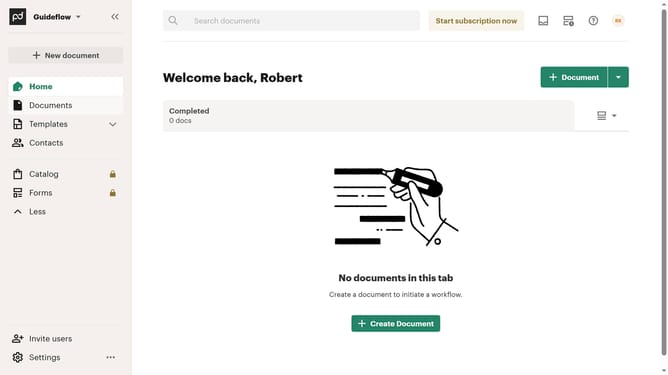
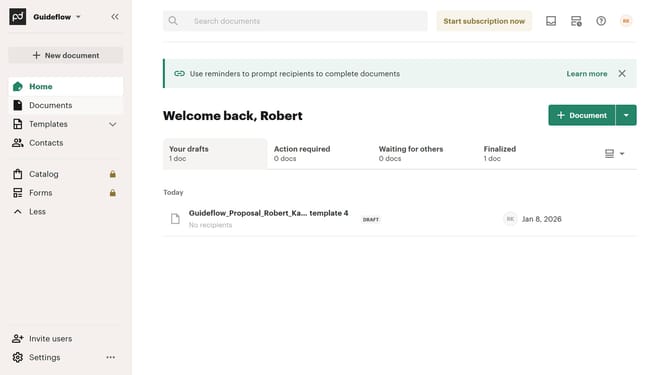
- First click on "Documents" in the left sidebar navigation menu
- Then click on "All documents" tab in the top navigation bar
- Next click on "Status" dropdown filter in the filter toolbar
- Then uncheck the "Sent" checkbox option in the status filter dropdown menu
- Finally click on "Apply" button to confirm the filter selection
Why should you remove the sent status filter from all documents in PandaDoc
PandaDoc is a versatile document management software designed to streamline your workflow.
Removing the sent status filter from all documents in PandaDoc enhances your document management capabilities. This feature offers the flexibility to access a broader selection of documents, transcending the limitations imposed by previous filters.
By using this feature, you can effortlessly locate and review needed documents, saving time and improving efficiency within your team. It ensures that your document organization is both efficient and effortless.
Last update