How to change date format in PandaDoc
Here is how to change date format in pandadoc
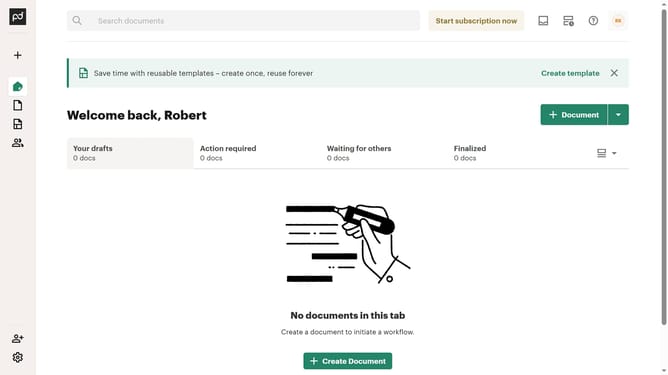
- First click the profile button in the top right corner of the header
- Then click on "Account settings" option in the dropdown menu under MY ACCOUNT section
- Next click on "Document settings" option in the left sidebar under CURRENT WORKSPACE section
- Then click on the "Date format" dropdown field to expand the format options
- Select your preferred date format from the dropdown menu
- Finally click on the "Save changes" button in the top right corner of the page
Why should you change date format in PandaDoc
PandaDoc is a dynamic platform designed to streamline document management and eSignatures.
Within PandaDoc, you have the flexibility to change the date format to suit your preferences, enhancing how you present and interpret important timelines in your documents.
This feature not only aids in maintaining consistency across global business communications but also ensures clarity. It caters to international clients and partners who might follow different date notations.
Ultimately, customizing date formats in PandaDoc enhances professionalism and eliminates potential misunderstandings.
Last update