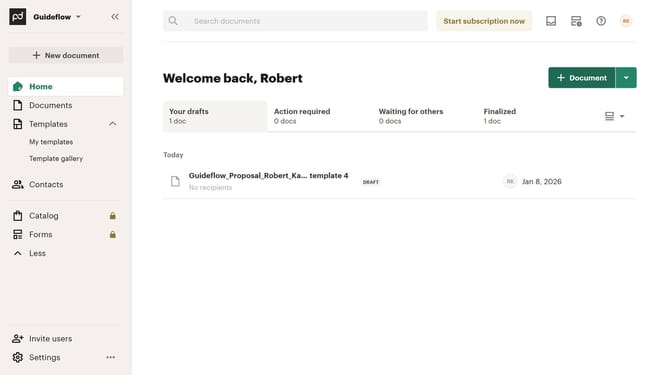
How to remove the draft status filter from imported documents in PandaDoc
Here is how to remove the draft status filter from imported documents in pandadoc
- First click on "Documents" in the left sidebar navigation menu
- Then click on the "Imported" tab in the top navigation bar
- Next click on the "Status" dropdown filter button in the filter toolbar
- Then uncheck the "Draft" checkbox option in the status filter dropdown menu
- Finally click on the "Apply" button to confirm the selected status filters
Why should you remove the draft status filter from imported documents in PandaDoc
PandaDoc is a streamlined solution for creating, editing, and managing digital documents with ease.
Removing the draft status filter from imported documents in PandaDoc opens up a world of flexibility, allowing users to seamlessly integrate documents into their workflow.
By eliminating this filter, documents transition smoothly from drafts to finalized files, enhancing accessibility and collaboration.
This feature ensures that documents are readily available without unnecessary delays, optimizing productivity and efficiency in document management.
Last update