How to filter all documents by paid status in PandaDoc
Here is how to filter all documents by paid status in pandadoc
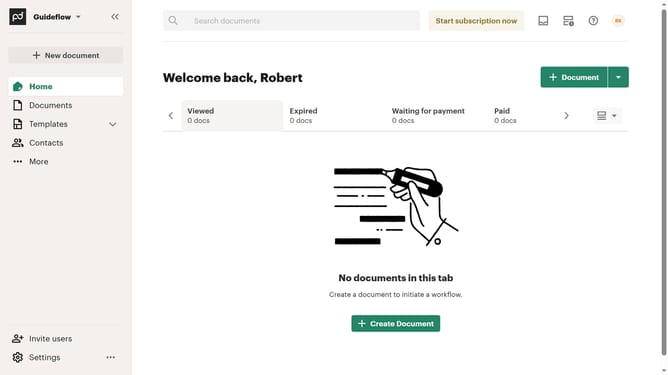
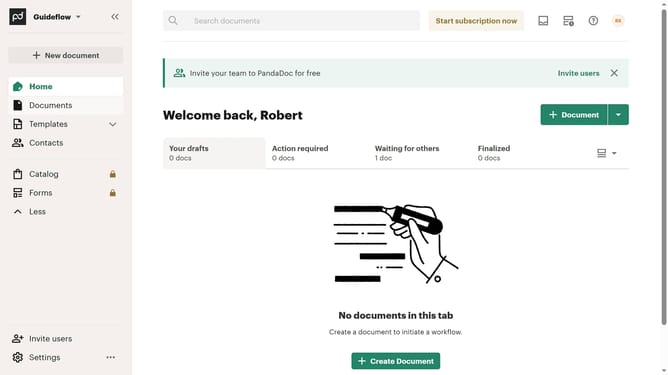
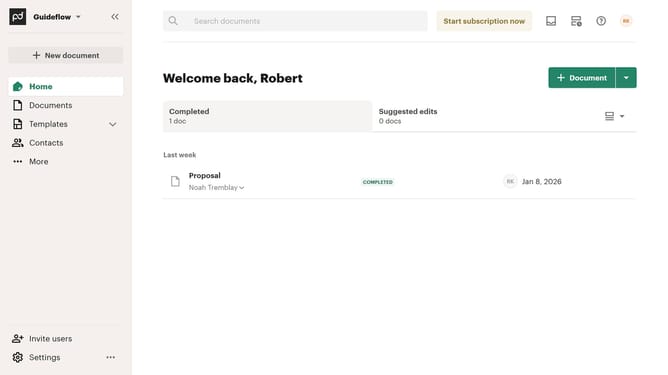
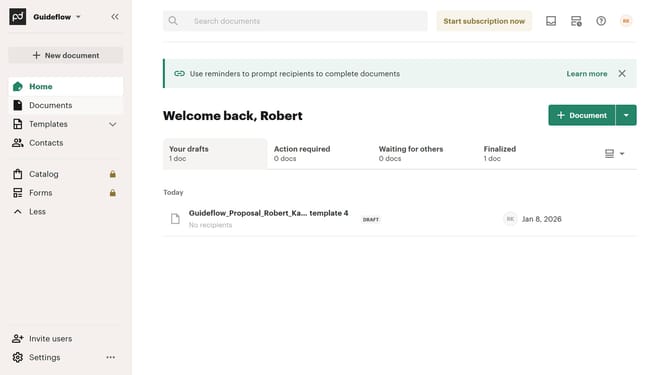
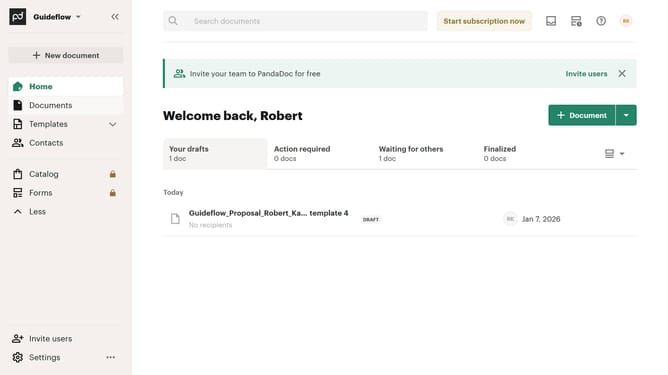
- First click on "Documents" item in the left sidebar
- Then click on "All documents" tab in the top navigation menu
- Then click on "Status" dropdown filter in the filter bar
- Then scroll down in the status filter dropdown menu
- Then click on "Paid" checkbox option in the status filter dropdown
- Finally click on "Apply" button to confirm the filter selection
Why should you filter all documents by paid status in PandaDoc
PandaDoc is a dynamic document management platform designed to streamline your paperwork processes.
Filtering all documents by paid status in PandaDoc allows for effortless organization and quick financial assessments.
This feature is invaluable for businesses looking to maintain a clear view of their revenue flow.
Using it, you'll save time and minimize errors by quickly pinpointing paid documents, enhancing productivity and ensuring timely follow-ups.
Last update