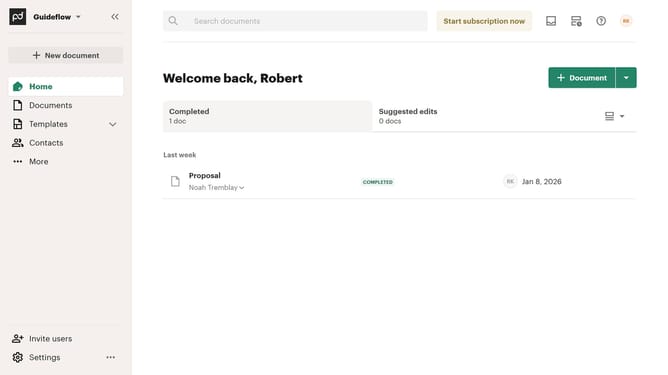
How to filter archived documents by recipients in PandaDoc
Here is how to filter archived documents by recipients in pandadoc
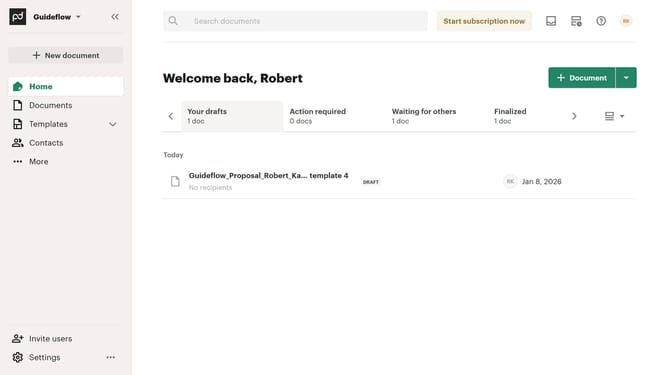
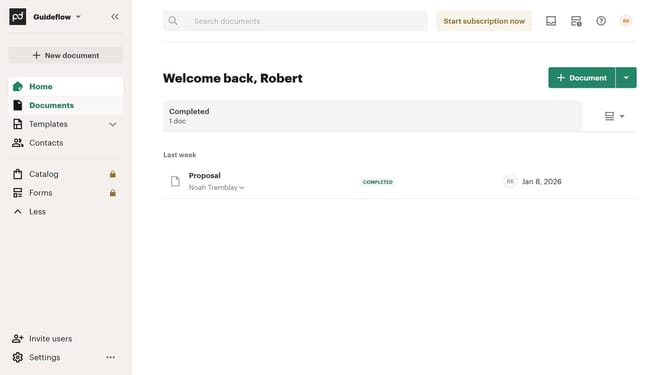
- First click on the "Documents" item in the left sidebar navigation menu
- Then click on the "Archived" tab in the top navigation bar of the documents section
- Next click on the "Recipients" dropdown filter button in the filter toolbar
- Then click on the checkbox next to the recipients you want to filter the dropdown menu
- Finally click on the "Apply" button to apply the selected recipient filter
Why should you filter archived documents by recipients in PandaDoc
PandaDoc is a leading digital platform designed to streamline your document workflow and boost productivity.
Filtering archived documents by recipients in PandaDoc is a powerful feature offering a seamless way to navigate through your stored files.
This feature allows you to quickly locate specific documents related to individual recipients, saving valuable time and effort.
By efficiently organizing your archived documents, you ensure faster access and improved organization, enhancing your overall document management process.
Last update