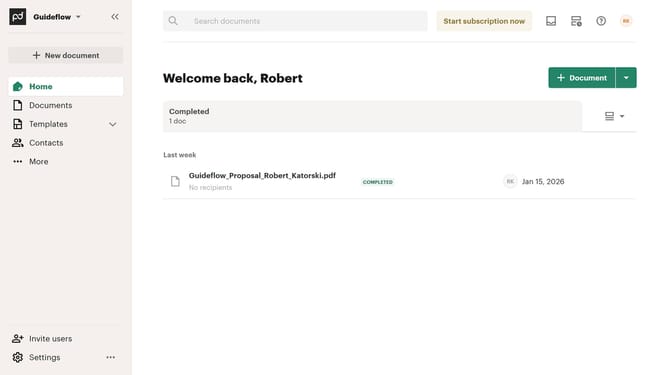
How to filter archived documents by for approval status in PandaDoc
Here is how to filter archived documents by for approval status in pandadoc
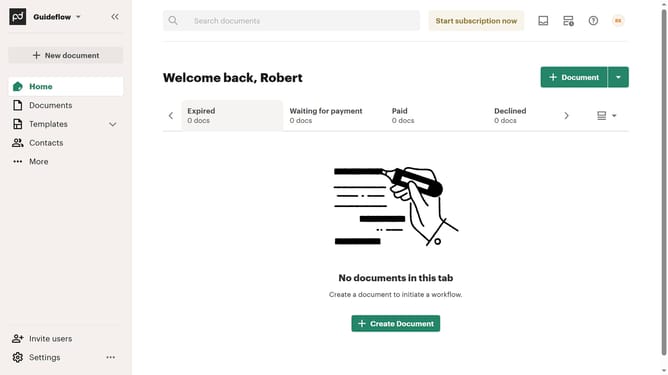
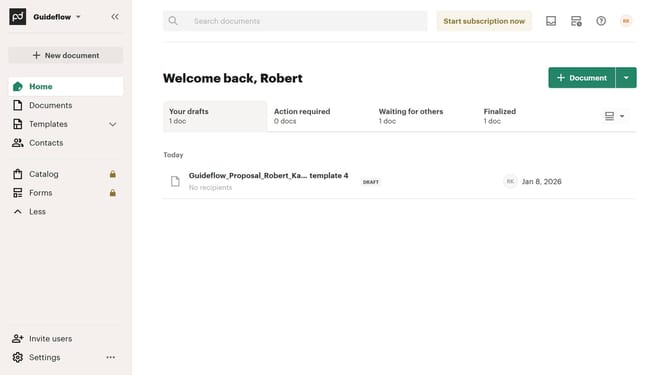
- First click on "Documents" in the sidebar navigation menu
- Then click on "Archived" tab in the top navigation bar
- Next click on "Status" dropdown filter button to open the status filter menu
- Then click on "For approval" checkbox option in the status filter dropdown
- Finally click on "Apply" button to apply the selected status filter
Why should you filter archived documents by for approval status in PandaDoc
PandaDoc revolutionizes document management by streamlining the creation, approval, and tracking processes for businesses.
Filtering archived documents by approval status in PandaDoc allows users to easily locate and review documents based on their approval journey. This feature enhances efficiency by simplifying how teams monitor and manage their document workflows.
By utilizing this filtering option, users save time and ensure quick access to critical documents, ultimately enhancing productivity and maintaining thorough organizational oversight.
Last update