How to type your signature in PandaDoc
Here is how to type your signature in pandadoc
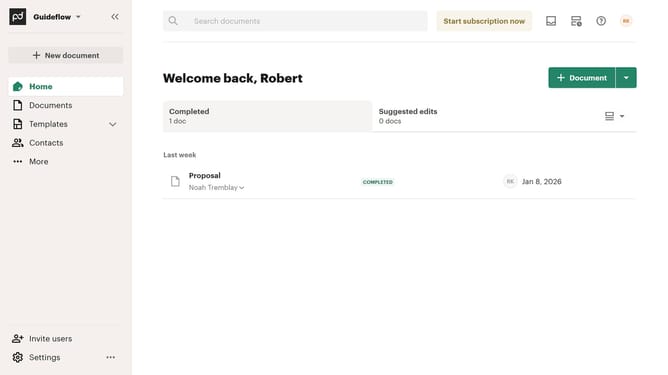
- First click on the user profile icon in the top right corner of the header
- Then click on "Account settings" option in the dropdown menu
- Scroll down the page to view the signature section
- Then click on the "Change signature" button in the signature section
- Click on the "Choose font" dropdown menu in the signature modal dialog
- Select your preferred font from the font dropdown menu
- Then type your signature in the signature text field
- Finally click on the "Save" button to save the new signature
Why should you type your signature in PandaDoc
PandaDoc is a dynamic platform designed to streamline and enhance the document management process.
Typing your signature in PandaDoc offers simplicity and efficiency, enabling you to sign documents digitally with ease.
This feature eliminates the need for printing, scanning, or mailing, saving you valuable time and resources.
By using this digital signature option, you ensure security, maintain a paperless workflow, and complete transactions seamlessly.
Last update