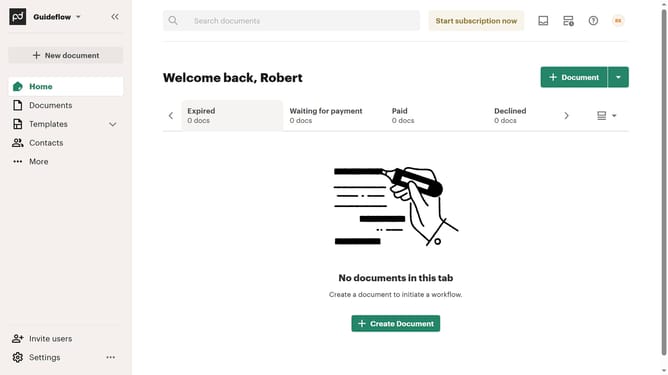
How to remove the viewed status filter from created documents in PandaDoc
Here is how to remove the viewed status filter from created documents in pandadoc
- First click on "Documents" in the left sidebar navigation menu
- Then click on "Created by me" tab in the top navigation bar
- Next click on "Status" dropdown filter button in the filter toolbar
- Then uncheck the "Viewed" checkbox option from the status filter dropdown menu
- Finally click on "Apply" button to confirm the selected status filters
Why should you remove the viewed status filter from created documents in PandaDoc
PandaDoc is a dynamic tool designed to streamline document management and enhance collaborative workflows.
Removing the viewed status filter from created documents in PandaDoc empowers users to gain clearer insights into document engagement without the constraints of preset filters.
This feature enhances flexibility, allowing teams to view all documents irrespective of their viewed status, thereby fostering a more intuitive understanding of client interaction.
By doing so, it supports more informed decision-making and contributes to an efficient and seamless document management process.
Last update