How to disable notifications when all recipients complete a document in PandaDoc
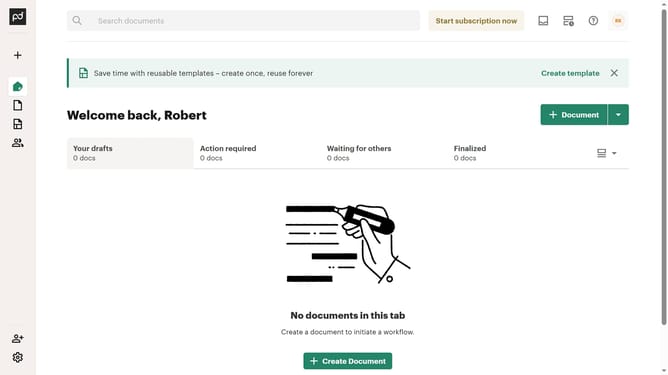
Here is how to disable notifications when all recipients complete a document in pandadoc
- First click on the profile button in the top right corner of the header
- Then click on "Notifications" option in the dropdown menu under the MY ACCOUNT section
- Finally uncheck the "Document is completed by all recipients" checkbox in the notifications settings
Why should you disable notifications when all recipients complete a document in PandaDoc
PandaDoc is a powerful tool designed to streamline the document creation and signing process.
The option to disable notifications when all recipients complete a document in PandaDoc helps keep your inbox clutter-free. This feature is valuable for users who manage multiple documents and prefer focusing on essential updates rather than receiving a notification for every completion.
By reducing unnecessary alerts, you can maintain a more organized workflow, thereby enhancing productivity and ensuring that you only receive critical communication.
Last update