How to filter created documents by completed status in PandaDoc
Here is how to filter created documents by completed status in pandadoc
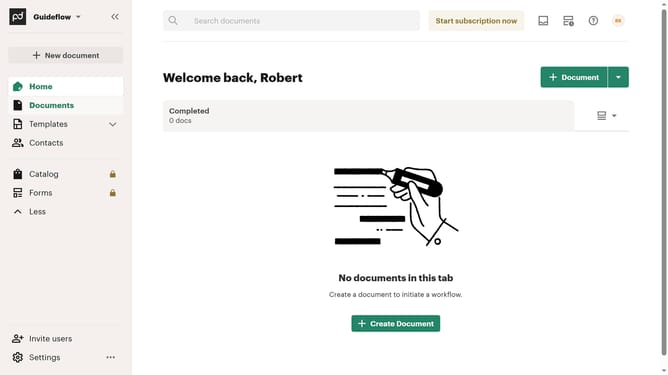
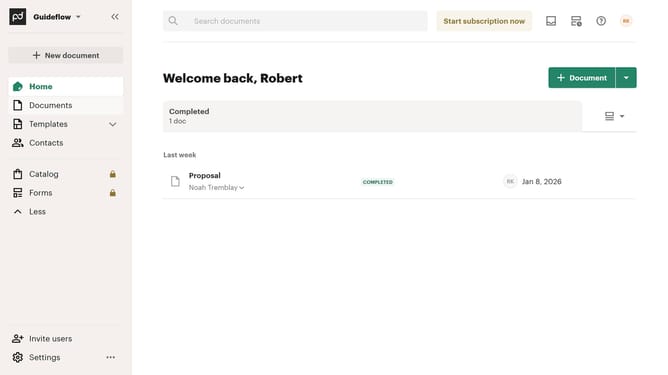
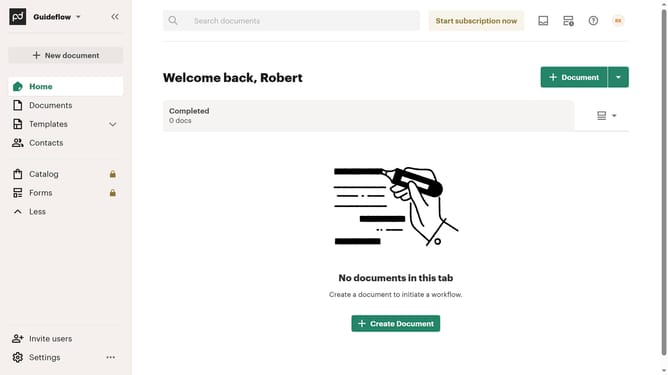
- First click on the "Documents" item in the left sidebar navigation menu
- Then click on the "Created by me" tab in the top navigation bar
- Next click on the "Status" dropdown filter button in the filter toolbar
- Then click on the "Completed" checkbox option in the status filter dropdown menu
- Finally scroll down in the status filter dropdown menu to view additional options
Why should you filter created documents by completed status in PandaDoc
PandaDoc streamlines your document workflows, enabling seamless creation, sharing, and management of digital documents.
Filtering created documents by completed status in PandaDoc is a straightforward feature that enhances your document handling efficiency.
It's especially useful to quickly identify which documents have been finalized, saving time and minimizing the need for manual tracking.
This capability ensures you focus your attention only on documents that require it, enhancing productivity and keeping your processes smooth and organized.
Last update