How to remove the draft status filter from archived documents in PandaDoc
Here is how to remove the draft status filter from archived documents in pandadoc
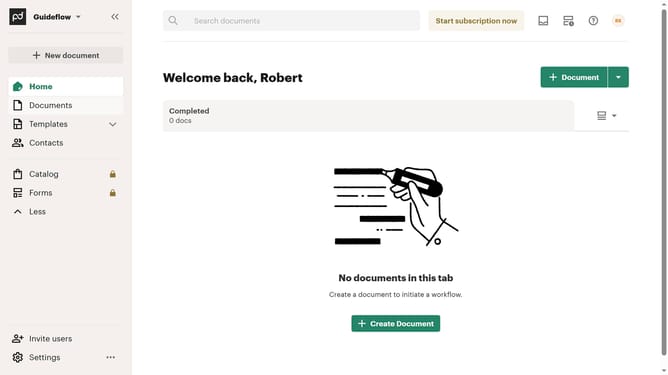
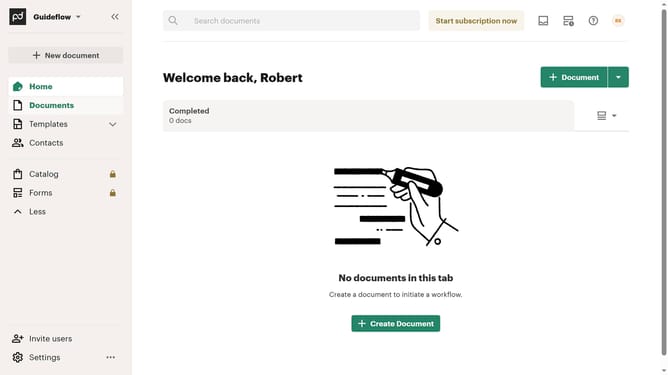
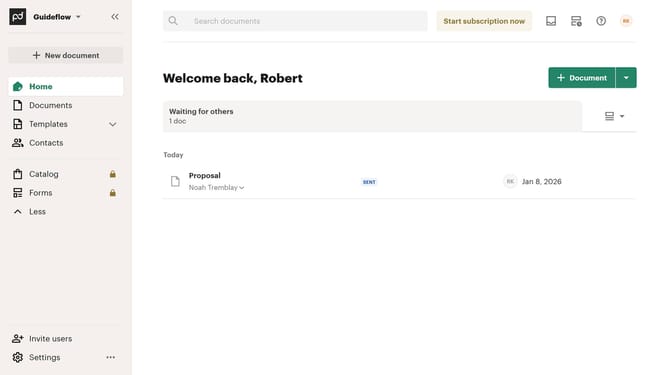
- First click on "Documents" in the sidebar navigation menu
- Then click on the "Archived" tab in the top navigation bar
- Next click on the status filter dropdown button
- Then uncheck the "Draft" checkbox option in the filter dropdown menu
- Finally click on the "Apply" button to apply the selected filter
Why should you remove the draft status filter from archived documents in PandaDoc
PandaDoc is a comprehensive document automation platform designed to streamline your business processes.
Removing the draft status filter from archived documents in PandaDoc empowers users to access a broader spectrum of archived materials without unnecessary hurdles.
This feature is particularly beneficial for those seeking enhanced visibility and streamlined workflows, ensuring that crucial documents aren't overlooked due to filtering constraints.
By leveraging this capability, users promote efficiency and maintain seamless access to all completed documents.
Last update