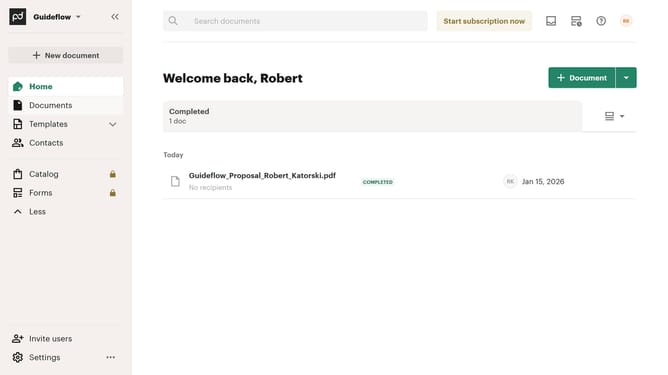
How to show the drafts tab in PandaDoc
Here is how to show the drafts tab in pandadoc
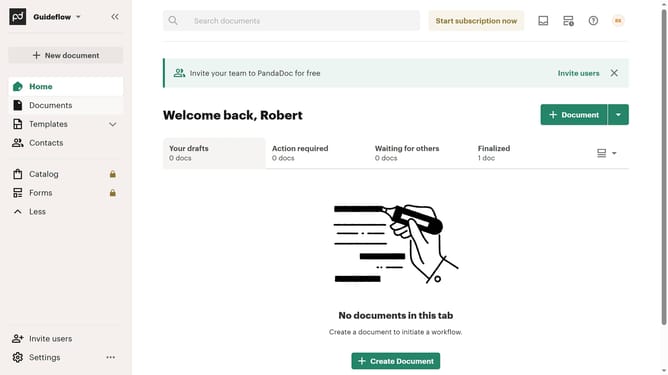
- First click on the view options dropdown button in the top right corner of the documents section
- Then click on the "Customize tabs" option from the dropdown menu
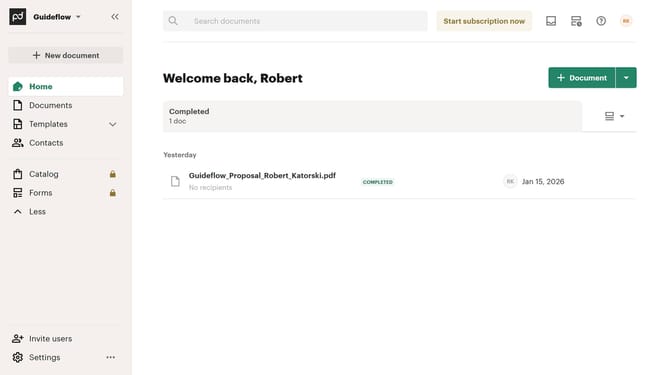
- Next click on the "Drafts" checkbox in the TABS section of the Customize dialog
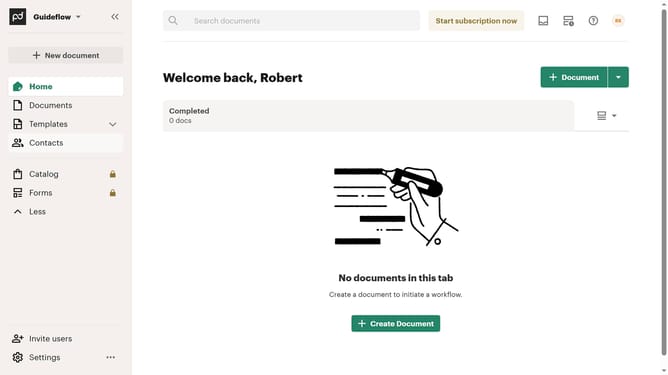
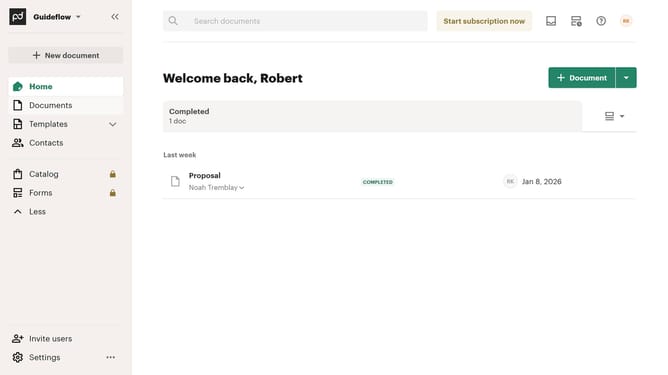
- Finally click on the "Apply" button at the bottom right of the Customize dialog
Why should you show the drafts tab in PandaDoc
PandaDoc is an innovative solution designed to streamline document creation and management effortlessly.
Within this powerful platform, the drafts tab is a feature allowing users to save and organize documents that are still in progress.
Accessing the drafts tab ensures seamless workflow continuity, providing easy access to revisions and ideas without cluttering finalized documents.
Employing this feature enhances productivity by keeping your drafts organized, thus accelerating the document completion process.
Last update