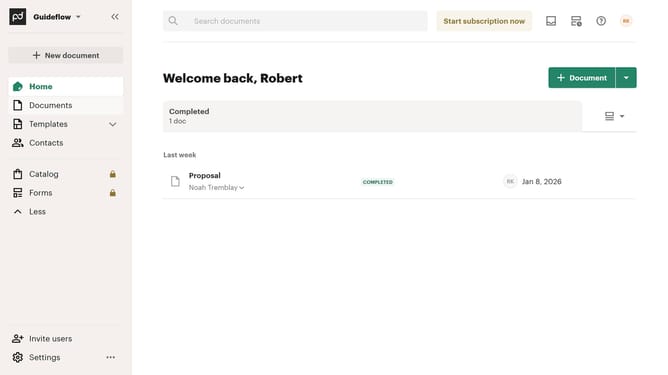
How to allow attaching a completed document PDF to emails in PandaDoc
Here is how to allow attaching a completed document pdf to emails in pandadoc
- First click on the profile button in the top right corner of the header
- Then click on "Account settings" option in the dropdown menu
- Next click on "Recipient experience" option in the left sidebar under the CURRENT WORKSPACE section
- Then scroll down to view more options
- Next click on the "Attach a PDF of the completed document to email" checkbox under the Email attachment section
- Finally click on the "Save changes" button in the top right corner of the page
Why should you allow attaching a completed document PDF to emails in PandaDoc
PandaDoc is an innovative platform designed to streamline document creation and management.
One of its standout features is the ability to attach completed document PDFs directly to emails.
This functionality offers the convenience of seamlessly delivering finalized documents to clients and stakeholders without leaving the platform.
It enhances workflow efficiency by simplifying communication processes, ensuring recipients receive accurate and professional documentation quickly.
Last update