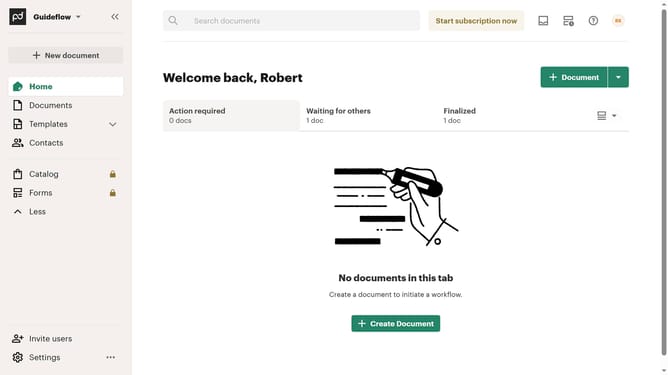
How to archive a document in PandaDoc
Here is how to archive a document in pandadoc
- First click on the "Documents" item in the left sidebar navigation menu
- Then click on the document options menu button (three dots icon) next to the document you want to archive
- Next click on the "Archive" option in the dropdown menu that appears
- Finally click on the "Archive" button in the confirmation dialog to confirm archiving the document
Why should you archive a document in PandaDoc
PandaDoc is a versatile document automation platform designed to streamline your document workflow.
Archiving a document in PandaDoc is an intuitive feature that helps keep your workspace organized and clutter-free.
Utilizing this feature, you can effortlessly maintain a clear overview of active projects while securely storing completed documents for future reference.
Archiving ensures that important documents are preserved without affecting current operations, enhancing both productivity and peace of mind.
Last update