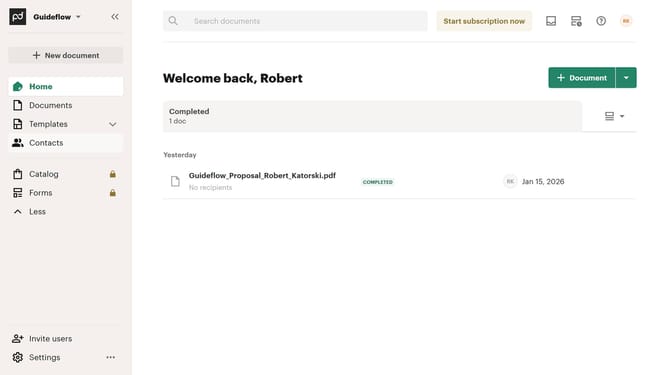
How to remove the for approval status filter from archived documents in PandaDoc
Here is how to remove the for approval status filter from archived documents in pandadoc
- First click on the "Documents" item in the left sidebar navigation menu
- Then click on the "Archived" tab in the top navigation menu
- Next click on the status dropdown filter button in the filter bar
- Then uncheck the the "For approval" checkbox option in the dropdown menu
- Finally click on the "Apply" button to confirm the filter selection
Why should you remove the for approval status filter from archived documents in PandaDoc
PandaDoc streamlines your document workflow with ease and efficiency.
Removing the "for approval" status filter from archived documents in PandaDoc allows you to access all materials without unnecessary restrictions.
This feature offers a more streamlined view of your past documents, fostering better document management and quicker retrieval.
As a result, teams can easily reassess previous records or quickly locate important documents, enhancing productivity and reducing time spent on administrative tasks.
Last update