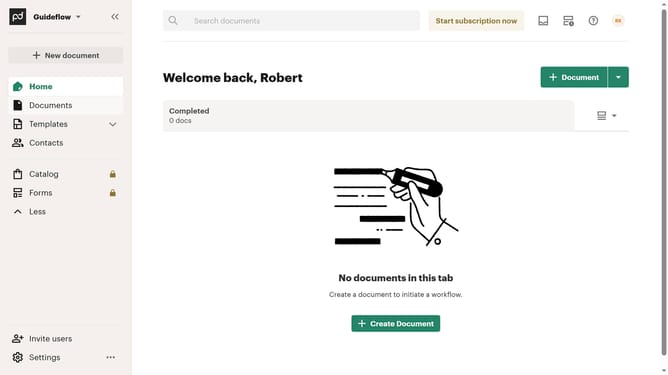
How to remove the expired status filter from archived documents in PandaDoc
Here is how to remove the expired status filter from archived documents in pandadoc
- First click on the "Documents" item in the left sidebar navigation menu
- Then click on the "Archived" tab in the top navigation bar of the documents section
- Next click on the status dropdown filter button to open the status filter menu
- Then uncheck the "Expired" checkbox option from the status filter dropdown menu
- Finally click on the "Apply" button to apply the selected filter
Why should you remove the expired status filter from archived documents in PandaDoc
PandaDoc simplifies document workflows with intuitive e-signature solutions.
Managing archived documents efficiently is crucial, and removing the expired status filter in PandaDoc can streamline this process.
By clearing this filter, users can access and manage older documents without the restrictions imposed by their expired status, facilitating better document management and smoother retrieval.
This feature ensures that organizational document audits and reviews are more comprehensive and less time-consuming.
Last update