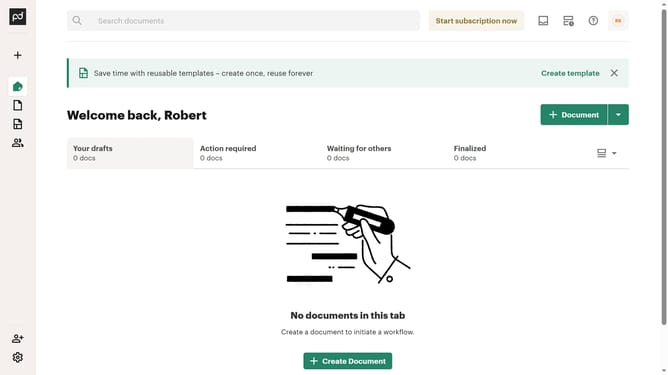
How to remove the expired status filter from created documents in PandaDoc
Here is how to remove the expired status filter from created documents in pandadoc
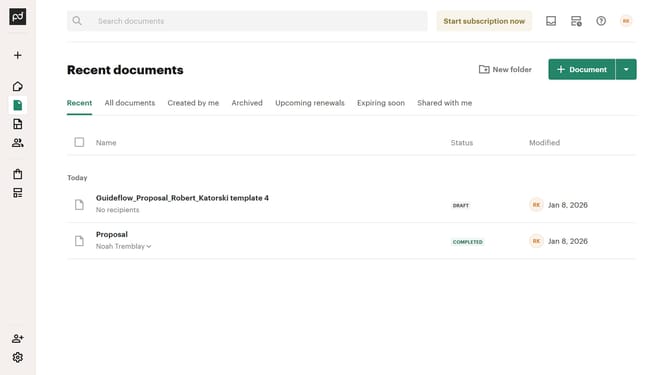
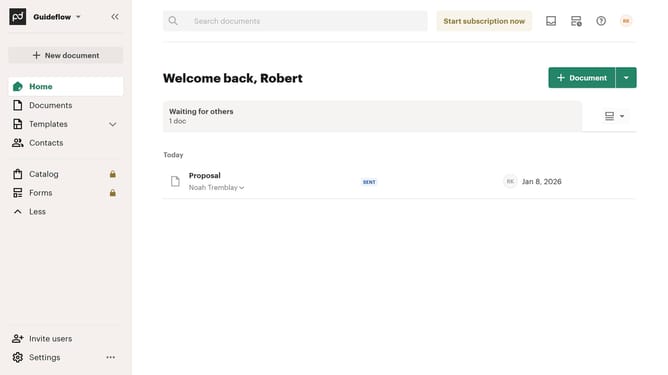
- First click on "Documents" in the left sidebar navigation menu
- Then click on "Created by me" tab in the top navigation bar
- Then scroll down the menu list that appears
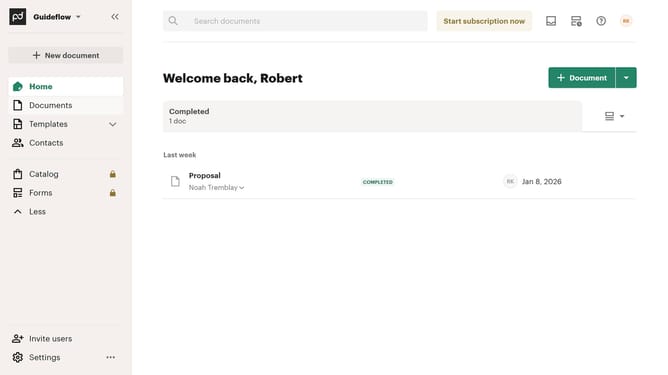
- Then uncheck the "Expired" checkbox option from the status filter dropdown menu
- Finally click on "Apply" button to confirm the selected status filters
Why should you remove the expired status filter from created documents in PandaDoc
PandaDoc streamlines document workflows, enhancing productivity and efficiency for businesses of all sizes.
Among its robust features, PandaDoc allows users to effectively manage their document statuses. Removing the expired status filter from created documents is an intuitive feature that offers flexibility in document management.
This function ensures comprehensive access to document history, facilitating better oversight for past agreements or proposals.
Overall, this capability empowers users to maintain a clear view of all documents, fostering a transparent and organized workflow.
Last update