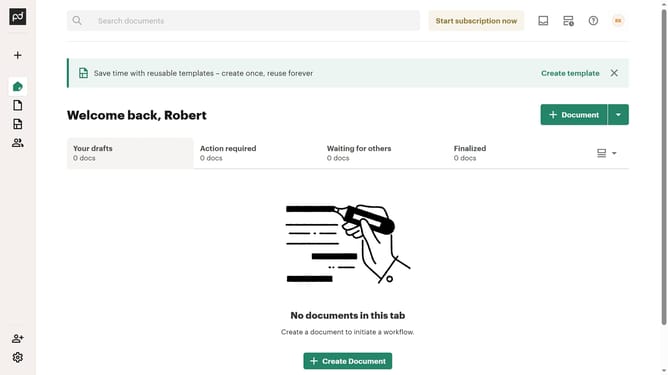
How to convert document into a template in PandaDoc
Here is how to convert document into a template in pandadoc
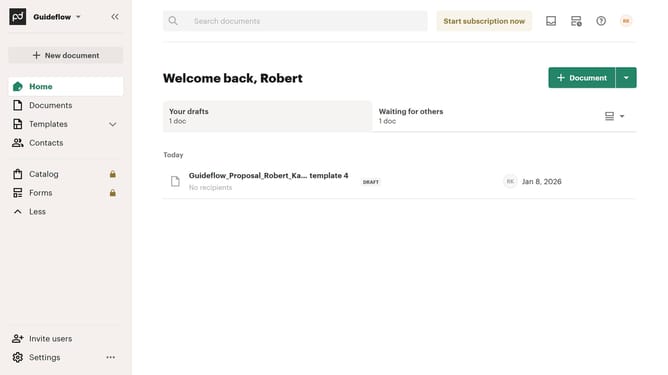
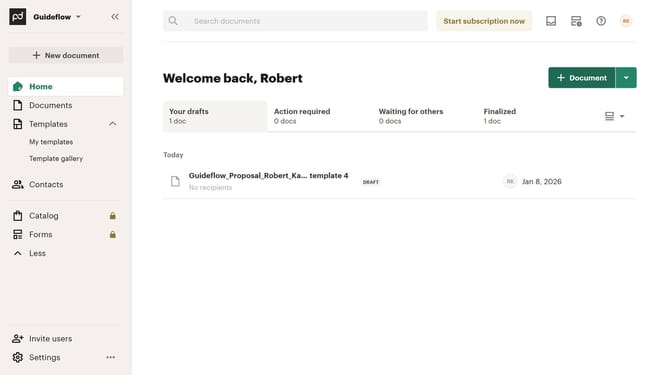
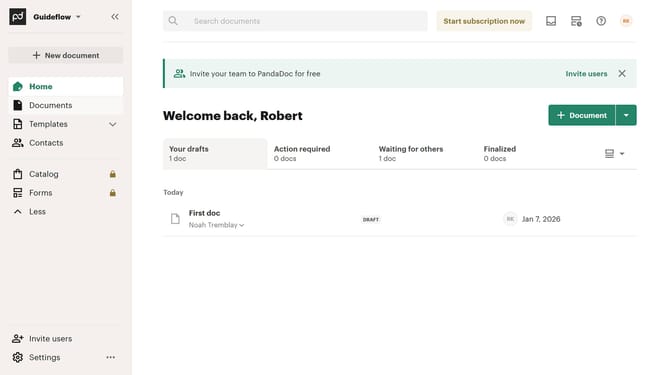
- First click on "Documents" in the left sidebar
- Then click on the three-dot menu button next to the document you want to convert to a template
- Next click on "Convert to template" option in the dropdown menu
- Then click on "Use this template" button in the top toolbar
- Next click in the "Document name" text field and modify the template name
- Finally click on "Continue" button to proceed with creating the template
Why should you convert document into a template in PandaDoc
PandaDoc is an intuitive platform designed to streamline all your document workflows with ease and efficiency.
Transforming a document into a template in PandaDoc empowers teams to save time, enhance collaboration, and ensure consistency across all communications.
This powerful feature allows you to reuse and modify documents effortlessly, reducing repetitive tasks and improving productivity.
Businesses greatly benefit as it simplifies processes, maintains brand standards, and accelerates deal closures, making it an indispensable tool for growth.
Last update