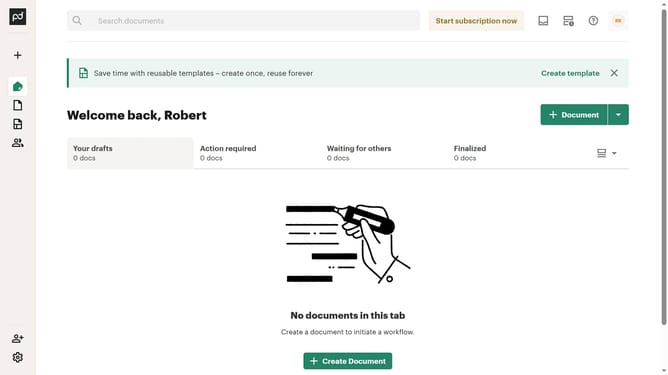
How to filter imported documents by for approval status in PandaDoc
Here is how to filter imported documents by for approval status in pandadoc
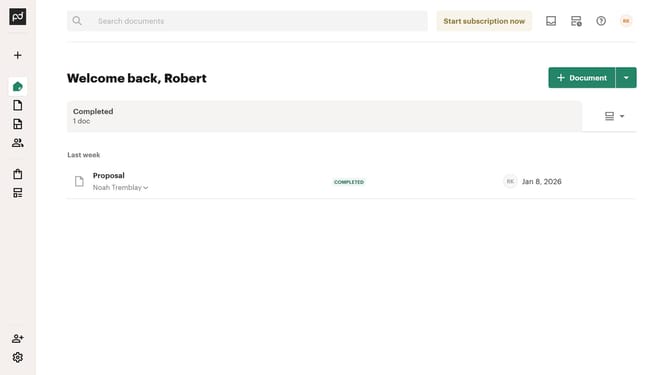
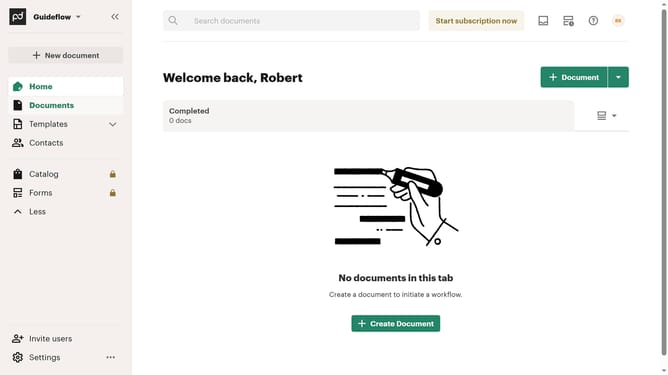
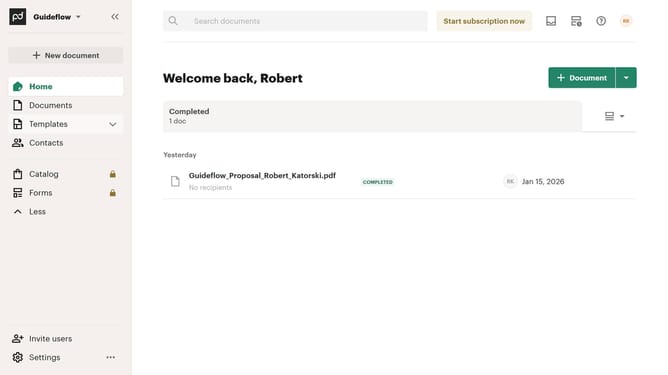
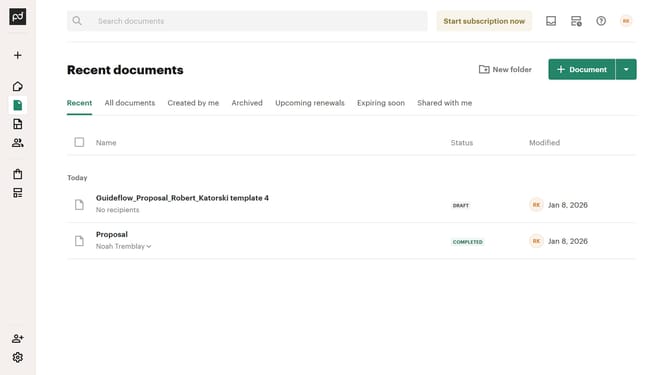
- First click on "Documents" item in the left sidebar navigation menu
- Then click on "Imported" tab in the top navigation bar
- Next click on "Status" dropdown filter button in the filter toolbar
- Then select "For approval" checkbox option from the status filter dropdown menu
- Finally click on "Apply" button to confirm the filter selection
Why should you filter imported documents by for approval status in PandaDoc
PandaDoc is a dynamic document automation platform that streamlines the creation, approval, and management of business documents.
Filtering imported documents by approval status in PandaDoc ensures efficient workflow management and clarity across teams. This feature allows users to easily identify which documents are awaiting approval, which have been approved, and which require further attention.
Utilizing this functionality saves time and boosts productivity, as it enables quick decision-making and seamless communication. It emphasizes transparency and accountability, enhancing overall efficiency in document management processes.
Last update