How to filter archived documents by expired status in PandaDoc
Here is how to filter archived documents by expired status in pandadoc
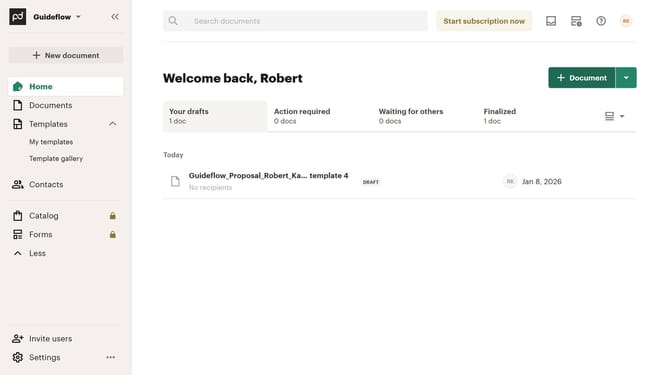
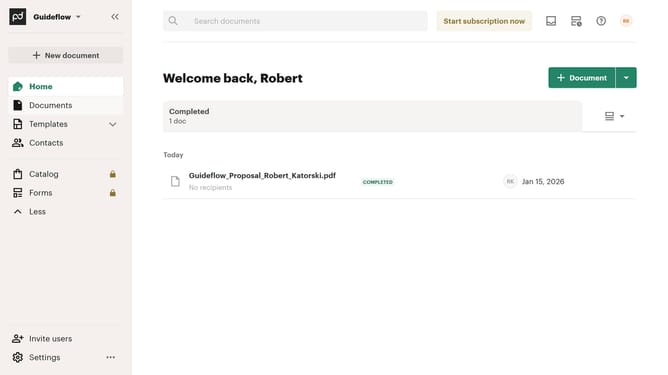
- First click on the "Documents" item in the left sidebar navigation menu
- Then click on the "Archived" tab in the top navigation menu of the documents section
- Next click on the "Status" dropdown filter button in the filter bar
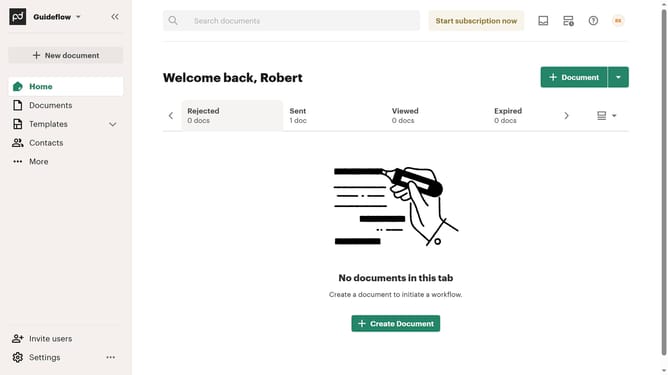
- Then click on the "Expired" checkbox option in the status filter dropdown menu
- Finally click on the "Apply" button to apply the selected status filter
Why should you filter archived documents by expired status in PandaDoc
PandaDoc streamlines document creation and management, enhancing workflow efficiency.
By filtering archived documents by expired status in PandaDoc, users can quickly pinpoint outdated agreements, contracts, or proposals, ensuring focus on only active and relevant documents. This feature eliminates time wasted searching through irrelevant archives.
This streamlined filtering ensures better organization, allowing teams to maintain clarity and avoid any overlooked deadlines or renewals. Manage your archived documents effortlessly while staying on top of crucial timelines.
Last update