How to archive a template in PandaDoc
Here is how to archive a template in pandadoc
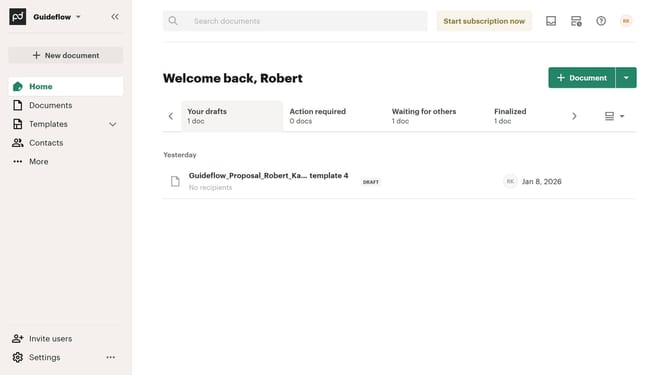
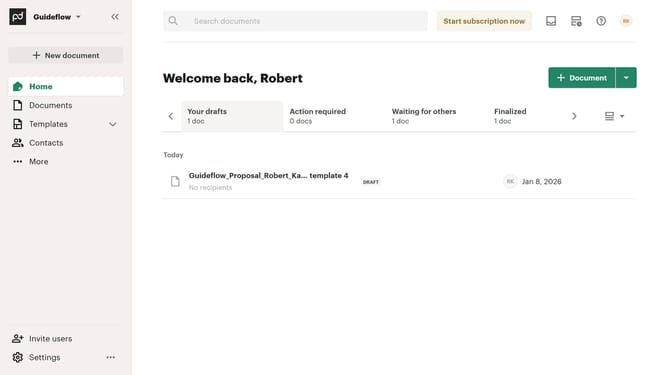
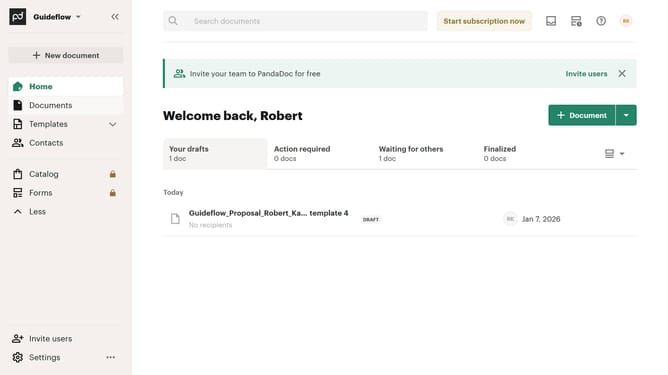
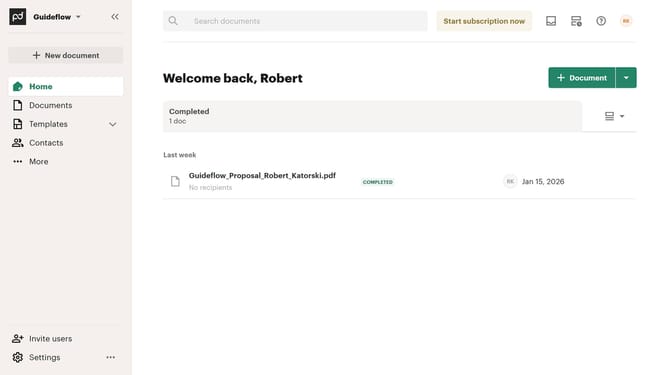
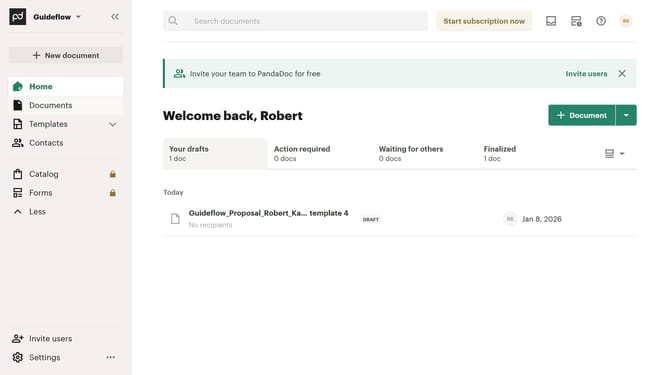
- First click on the dropdown arrow next to "Templates" in the left sidebar to expand the templates menu
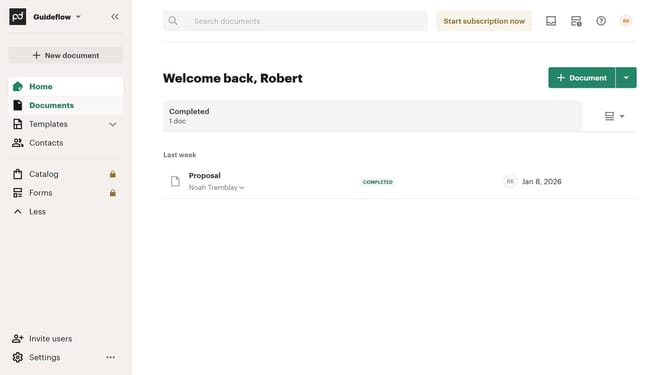
- Then click on "My templates" option in the expanded Templates submenu in the left sidebar
- Next click on the three-dot menu button next to the template that you want to archive
- Then click on "Archive" option in the dropdown menu that appears
- Finally click on the "Archive" button in the confirmation dialog to confirm archiving the template
Why should you archive a template in PandaDoc
PandaDoc is a versatile document automation software designed to streamline workflow and enhance productivity.
Archiving a template in PandaDoc is an intuitive feature that promotes efficient document management. This function ensures that outdated or unused templates are neatly stored away, awaiting potential future use, without cluttering your current workspace.
By organizing templates through archiving, users can maintain a streamlined environment, focus on relevant documents, and enhance team collaboration by reducing unnecessary distractions.
Overall, this feature upholds PandaDoc’s commitment to enhancing user experience through practical and organized document management solutions.
Last update