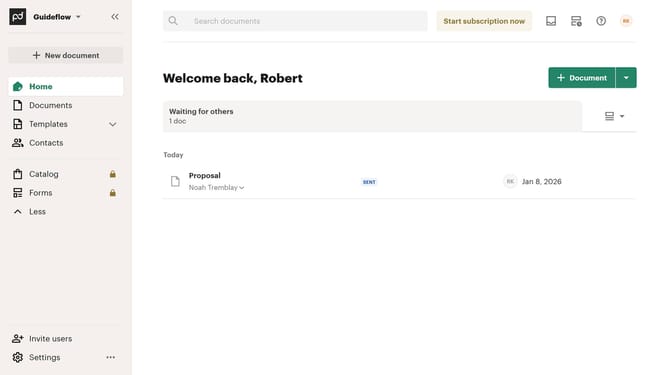
How to filter all documents by for approval status in PandaDoc
Here is how to filter all documents by for approval status in pandadoc
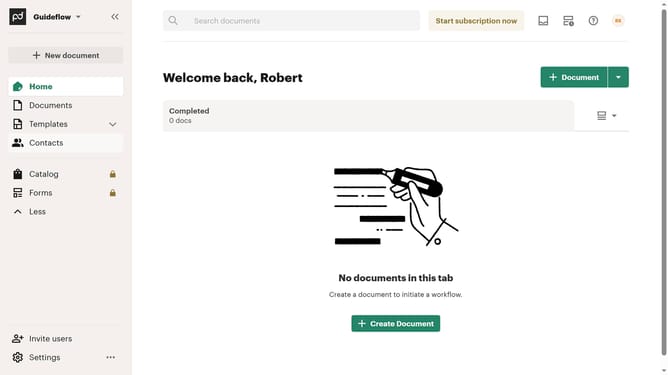
- First click on "Documents" item in the left sidebar navigation menu
- Then click on "All documents" tab in the top navigation bar
- Next click on "Status" dropdown filter button in the filter toolbar
- Then click on "For approval" checkbox option in the status filter dropdown menu
- Finally click on "Apply" button to confirm the filter selection
Why should you filter all documents by for approval status in PandaDoc
PandaDoc is a robust document management solution designed to streamline the document workflow process.
Utilizing the filter by approval status feature in PandaDoc, users can effortlessly sort through documents to ensure they are on track and compliant. This feature simplifies the task of identifying documents pending approval, ensuring nothing slips through the cracks.
By focusing on documents that require attention, users can prioritize tasks efficiently, saving valuable time and enhancing productivity while maintaining seamless communication and collaboration within teams.
Last update