How to filter archived documents by sent status in PandaDoc
Here is how to filter archived documents by sent status in pandadoc
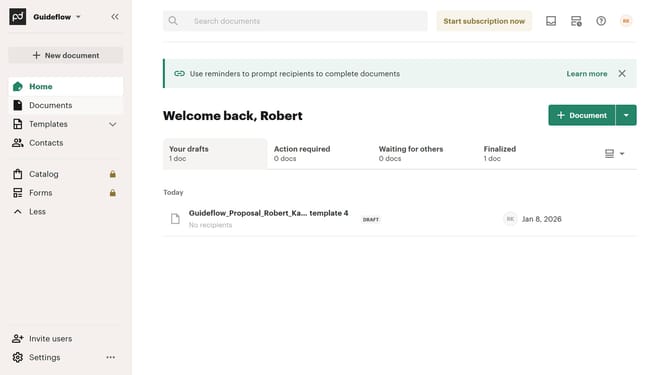
- First click on "Documents" in the sidebar navigation menu
- Then click on "Archived" tab in the top navigation bar
- Next click on "Status" dropdown filter button to open the status filter menu
- Then click on the checkbox next to "Sent" status option in the filter dropdown
- Finally click on "Apply" button to apply the selected status filter
Why should you filter archived documents by sent status in PandaDoc
PandaDoc is a dynamic tool designed to streamline document management and automate workflows.
Filtering archived documents by sent status in PandaDoc allows users to quickly and efficiently organize their document repository. This feature is particularly useful for keeping track of correspondence history and understanding document timelines at a glance.
By utilizing this filtering capability, users can enhance their productivity and ensure that no significant document goes unnoticed in their archives.
Overall, it offers a seamless way to maintain a well-organized digital workspace, optimizing document tracking and management processes.
Last update