How to remove the waiting for payment status filter from all documents in PandaDoc
Here is how to remove the waiting for payment status filter from all documents in pandadoc
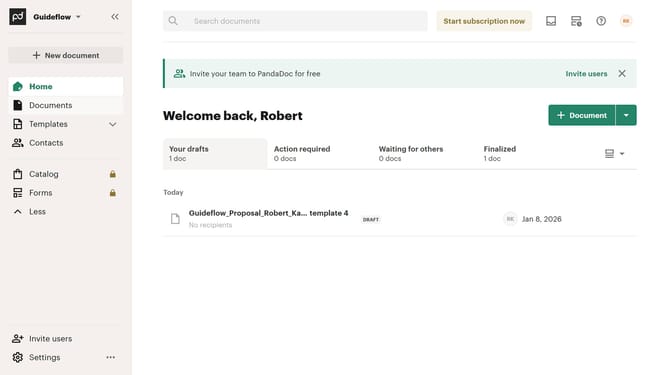
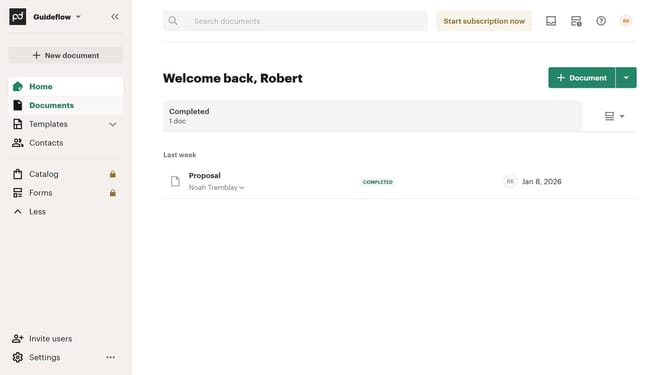
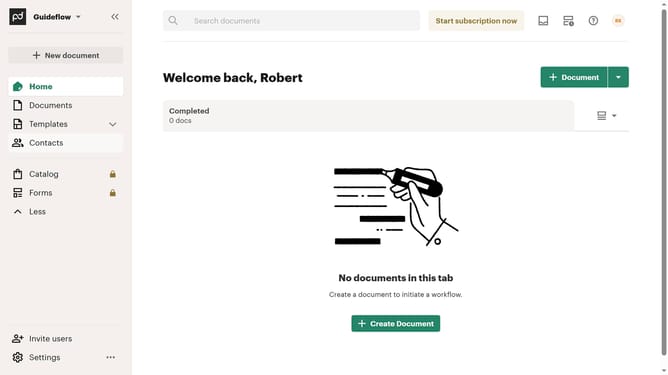
- First click on "Documents" in the left sidebar navigation menu
- Then click on "All documents" tab in the top navigation bar
- Then click on "Status" dropdown filter in the filter toolbar
- Then scroll down in the menu list that appears
- Then uncheck the "Waiting for payment" checkbox option in the status filter dropdown menu
- Finally click on "Apply" button to confirm the filter selection
Why should you remove the waiting for payment status filter from all documents in PandaDoc
PandaDoc streamlines your document workflow with seamless eSignature and automation solutions.
Removing the "waiting for payment" status filter from all documents in PandaDoc simplifies your workflow by eliminating unnecessary clutter.
This feature allows you to focus on completed transactions, improving efficiency and ensuring fast access to essential documents.
By removing this filter, you enhance visibility and reduce processing time, leading to smoother operations.
Last update