How to remove the sent status filter from created documents in PandaDoc
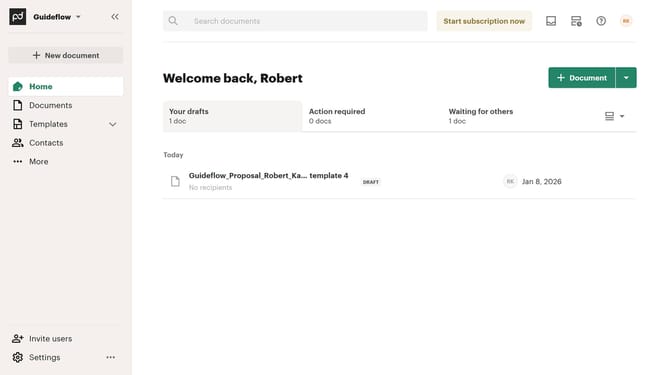
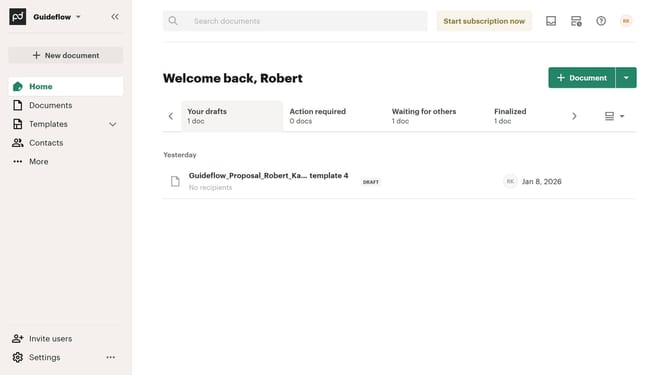
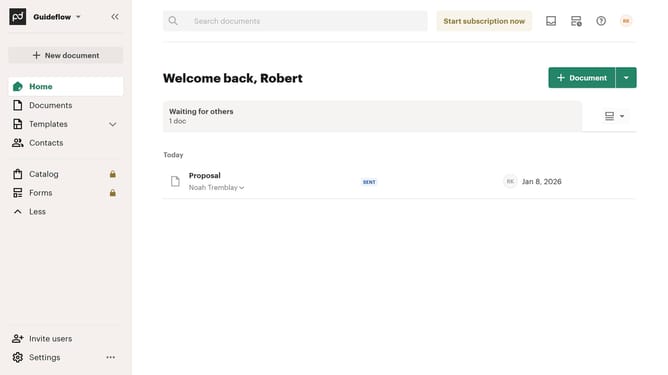
Here is how to remove the sent status filter from created documents in pandadoc
- First click on "Documents" in the left sidebar navigation menu
- Then click on "Created by me" tab in the top navigation bar
- Next click on "Status" dropdown filter button in the filter toolbar
- Then uncheck the "Sent" checkbox option from the status filter dropdown menu
- Finally click on "Apply" button to confirm the selected status filters
Why should you remove the sent status filter from created documents in PandaDoc
PandaDoc is a dynamic tool designed to streamline document workflows from creation to signature.
One of PandaDoc's intuitive features is the ability to remove the sent status filter from your created documents. This feature allows users to freely navigate and organize documents without being restricted by previous statuses.
By utilizing this option, you can access all necessary documentation seamlessly, ensuring that data management and retrieval are efficient and tailored to your specific needs.
Last update