How to get notified when a suggestion is added in PandaDoc
Here is how to get notified when a suggestion is added in pandadoc
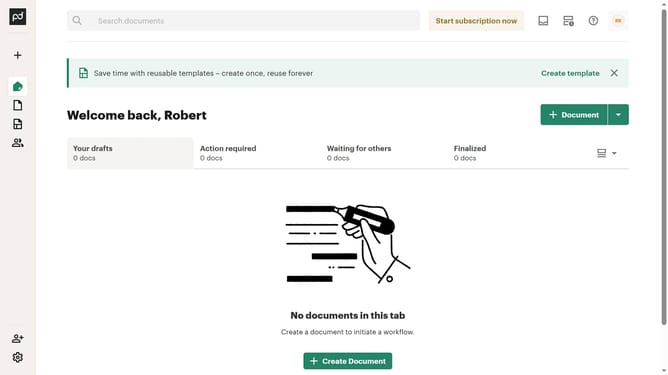
- First click on the profile button in the top right corner of the header
- Then click on "Account settings" option in the dropdown menu
- Finally click on the "Suggestion is added" checkbox in the Notifications settings section
Why should you get notified when a suggestion is added in PandaDoc
PandaDoc is an intuitive platform designed to streamline the process of creating, sharing, and managing documents online.
This powerful tool includes a feature that notifies you when a suggestion is added, ensuring you stay informed in real-time.
Staying updated on suggestions helps improve collaboration and accelerates the decision-making process, ultimately enhancing team efficiency.
With this feature, you can effortlessly maintain control over your project’s progress, leading to more dynamic and responsive document management.
Last update